



Best Docusaurus Alternatives for API Documentation Teams (2026)
Compare 11 Docusaurus alternatives for API docs in 2026, from open-source frameworks to hosted docs platforms and API portals, with pricing, features, pros and cons.

TL;DR
Docusaurus is a strong open-source docs framework, but it's free to license, not free to run. The best Docusaurus alternatives depend on why you're leaving.
If partners need API keys, a sandbox and access approval, choose a managed API developer portal.
If you want hosted docs with no upkeep, choose Mintlify, ReadMe, Redocly or Fern and if you want to stay open source, choose Astro Starlight, Zensical (the successor to Material for MkDocs) or VitePress.
The platform lead opened a pull request to fix one sentence in the authentication guide. The build failed. A plugin needed a newer version of React. The engineer who set up the docs site had moved teams, and the upgrade notes ran to three pages.
The sentence stayed wrong for two more weeks. In that time, two new partners read it, followed it, got a 401 and emailed support to ask for help and a key.
This guide compares Docusaurus alternatives for teams that publish API documentation. It starts with what Docusaurus does well, what it costs to run and where it stops, then covers 12 alternatives in three groups.
What is Docusaurus, and why do teams use it?
Docusaurus is a free, open-source static site generator for documentation, maintained by Meta and built on React. You write docs in Markdown or MDX, and Docusaurus builds them into a fast static website you can host anywhere. As of November 2026, the current release is Docusaurus 3.10, under the MIT license.
Teams choose it for good reasons:
- Docs as code: Docs live in Git as Markdown, so they're reviewed in pull requests like code.
- MDX: You can drop React components into any page for tabs, diagrams or interactive examples.
- Versioning: Built-in docs versioning keeps separate docs for each release.
- Translations: Built-in internationalization publishes each language as its own site.
- Ecosystem: A large plugin ecosystem and a big community of open-source projects using it.
If you're new to the workflow behind it, our guide to docs as code for APIs explains how Git-based docs pipelines work.
Is Docusaurus still good in 2026?
Yes, for the right team. Docusaurus is actively maintained and suits developer-led teams that want full control and have engineers to look after the site. It's a weaker fit when non-developers write the docs, when nobody owns the build or when API docs need access control.
Is Docusaurus free? What does it cost to run?
Docusaurus is free to use under the MIT license, but running it costs engineering time, hosting and sometimes search. There's no subscription. The cost moves from a vendor invoice to your team's calendar, which makes it easy to miss.
The pattern we hear from API teams is consistent. The docs site starts as a weekend project. Two years later, engineers are spending time on the docs build and building interfaces nobody asked for, instead of the API itself.
Where does Docusaurus fall short for API documentation?
Docusaurus handles guides well, but API reference, search, analytics and access control are add-ons you build or maintain yourself. None of this is a flaw in a static site generator. It's the gap between a docs framework and a developer portal.
The gaps show up in six places:
- No built-in OpenAPI reference: API reference comes from community plugins, such as the docusaurus-openapi-docs plugin maintained by Palo Alto Networks.
- No built-in analytics or feedback: You add your own analytics, and there's no view of which developer read what.
- Search depends on eligibility: Algolia DocSearch is free for public technical docs, but private or partner-only docs need another search setup.
- Upgrades can break plugins: Major releases, such as the move to Docusaurus 3 and MDX 3, often require plugin and content changes.
- Non-developers can't edit without Git: Writers need Git, Markdown and a local build, or a separate editing tool on top.
- No access control: There's no SSO, no partner-only content, no API keys and no approval flow. Partners read the docs, then email someone for access.
The last gap matters more each year. Akamai's 2026 API Security Impact Study puts the median enterprise at more than 5,900 APIs, and Postman's 2025 State of the API report found 65% of organizations generate revenue from their API programs. At that scale, access is part of the product.
Is Docusaurus good for SEO?
Yes. Docusaurus builds static HTML with clean URLs, sitemaps and metadata, which search engines crawl well. The SEO gaps are the ones you leave: missing page descriptions, duplicate versioned pages without canonical tags and slow custom components. Those are fixable with configuration.
What should you look for in a Docusaurus alternative?
Look for whatever made you search: less maintenance, better API reference, easier editing or access control. Most teams leave Docusaurus for one of those four reasons. Score each alternative on the seven points below and weigh the ones behind your move.
- Hosting and maintenance: Who runs upgrades, builds and uptime: you or the vendor?
- OpenAPI-native reference: Is API reference built in, or another plugin to maintain?
- Docs-as-code support: Can you keep Markdown or MDX in Git with pull request previews?
- Editor for non-developers: Can writers and product managers edit without Git?
- Search and analytics: Are search, page analytics and feedback included?
- Access control: Can partners sign in, see only their APIs, get keys and request approval?
- AI readiness: Does it publish
llms.txtor an MCP server so AI tools can read your docs?
What are the best Docusaurus alternatives at a glance?
The best Docusaurus alternatives fall into three groups: managed API portals, hosted docs platforms and open-source frameworks. Only the first group handles API keys and access. The table shows where each one fits.
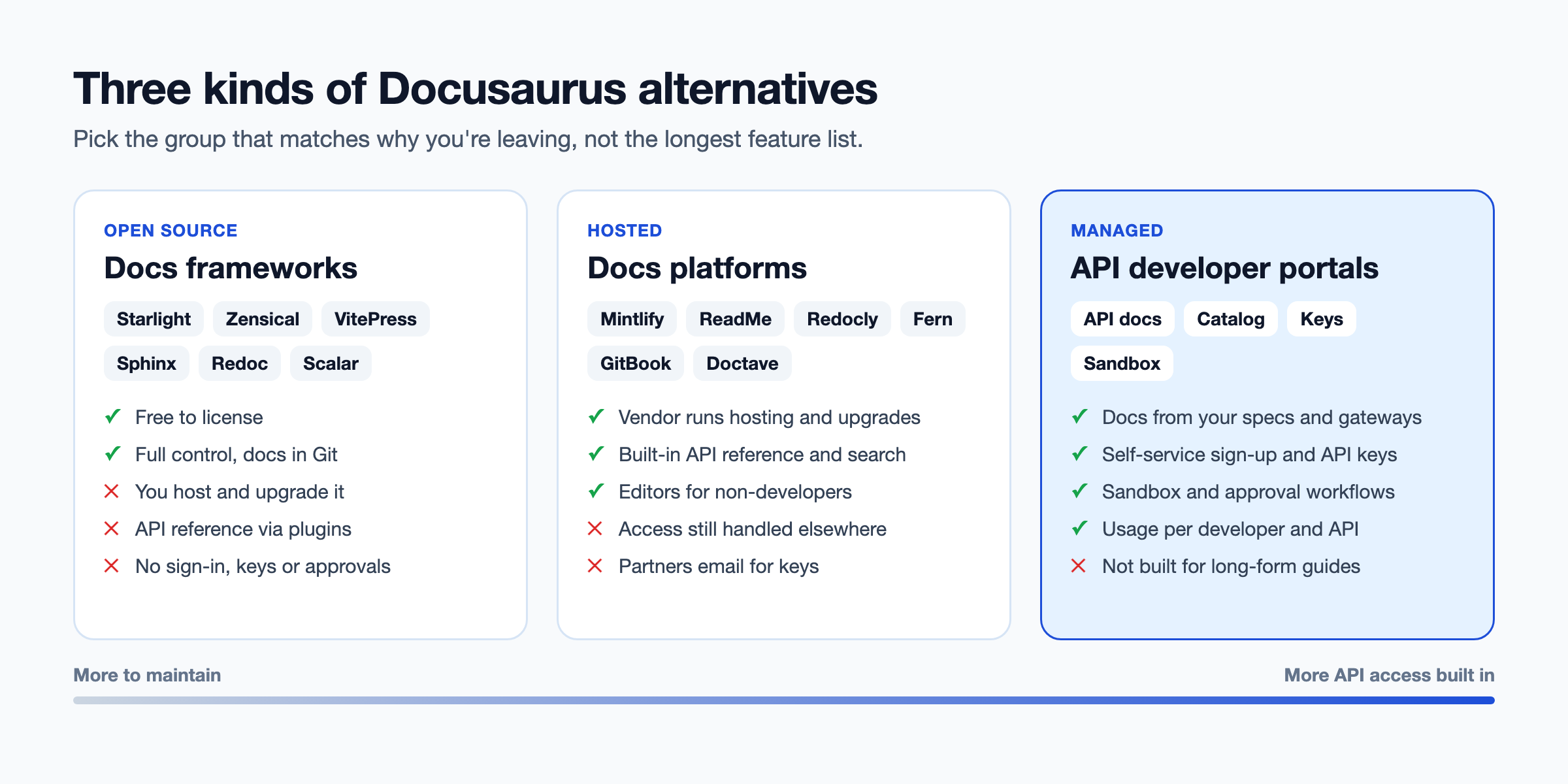
Prices come from vendor pricing pages checked in November 2026, billed annually unless noted.
What are the 12 best Docusaurus alternatives?
The 12 best Docusaurus alternatives are DigitalAPI, Mintlify, ReadMe, Redocly, Fern, GitBook, Doctave, Astro Starlight, Zensical, VitePress, Sphinx with Read the Docs, and Redoc or Scalar. They're grouped by type and ranked within the list by how well they serve an external API program. We publish this guide, so weigh our own top spot with that in mind.
Managed API portal with Docs and Self-serve
1. DigitalAPI
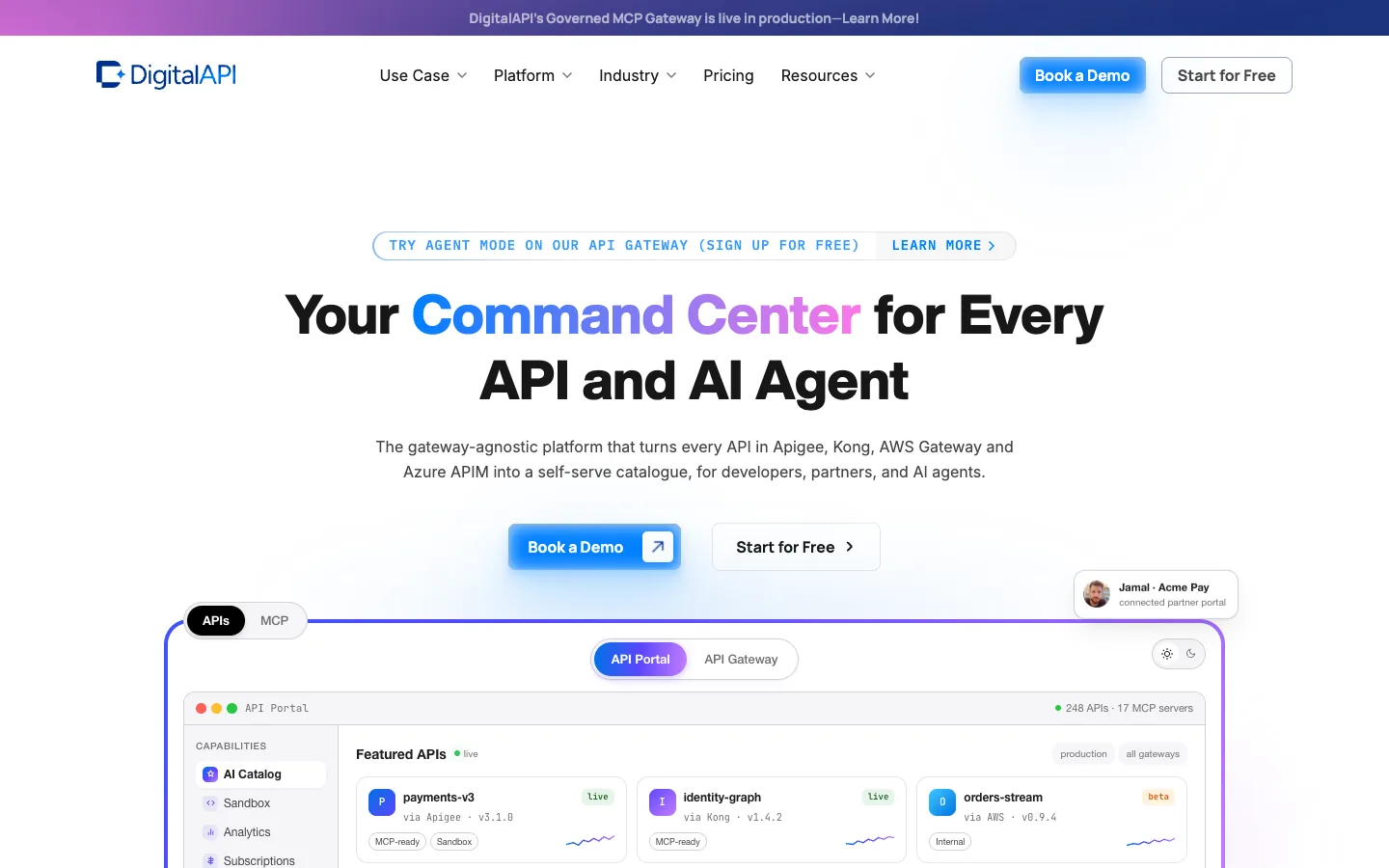
It's an API management platform with a developer portal, API catalog and marketplace that sit on top of the gateways you already run. Where Docusaurus gives you a docs site to build and maintain, it gives you a managed portal where API docs, access and usage live together. Your team stops maintaining the site and starts managing the API program.
It also fits teams that want to keep docs as code. Specs sync from GitHub, so a merged pull request updates the portal. Partners then sign in, find the APIs their role allows, get a key and make a first call, without emailing anyone.
Key features:
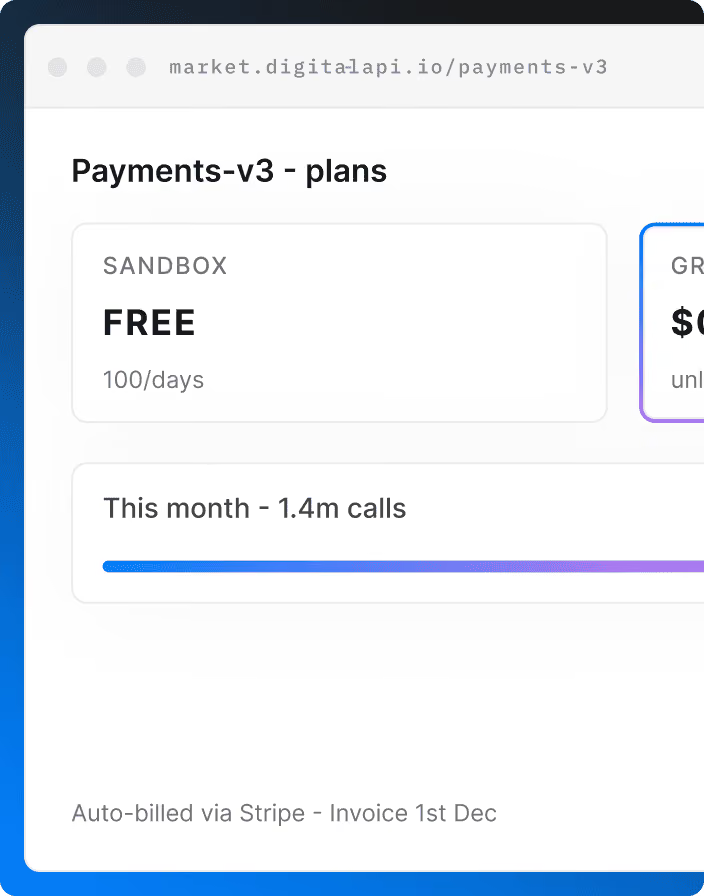
- Self-service keys with approval: Developers subscribe to a plan, the API owner approves in one click, and the key is created in your gateway automatically.
- Sandbox plans that approve themselves: Test access needs no human sign-off, so a new developer can make a first call in minutes instead of days.
- GitHub spec sync: Specs sync from your repository, so the portal updates when a pull request merges, with no separate docs build to maintain.
- Checks on every publish: Spectral rules run when specs publish, and drift detection flags breaking changes before they reach partners.
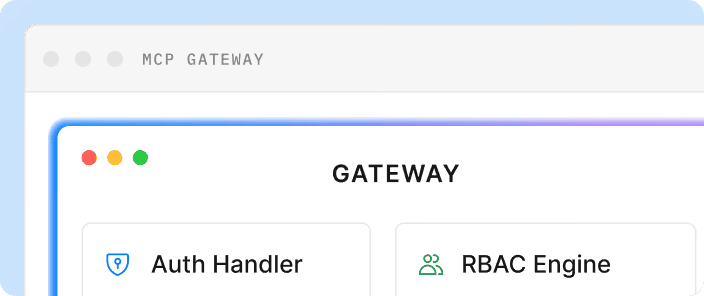
- Role-based catalogs and SSO: SAML 2.0 or OIDC sign-in with SCIM, and each partner sees only the APIs and plans their role allows.
- Multi-gateway catalog: APIs from Apigee, Kong, AWS, Azure, MuleSoft, IBM and Tyk appear in one searchable catalog, instead of one site per gateway.
- Usage and plan analytics: Metrics per developer, API and endpoint show who calls what, and plans can be set per API product for monetization.
- AI agent access: The portal publishes an
llms.txtindex and turns OpenAPI operations into MCP tools, so AI agents can find and call your APIs.
Pros:
- Replaces both the docs site build and the email-based access process
- Covers OpenAPI 3.1 and AsyncAPI specs from several gateways in one portal
- Keeps a Git-based workflow for teams that want it
Cons:
- Pricing is by quote, while Docusaurus is free to license
- Not built for long-form product guides or marketing-style docs
Who is it for: API teams whose partners need keys, a sandbox and approved access, and who are tired of maintaining a docs build. See the API developer portal for details.
Hosted docs platforms
2. Mintlify
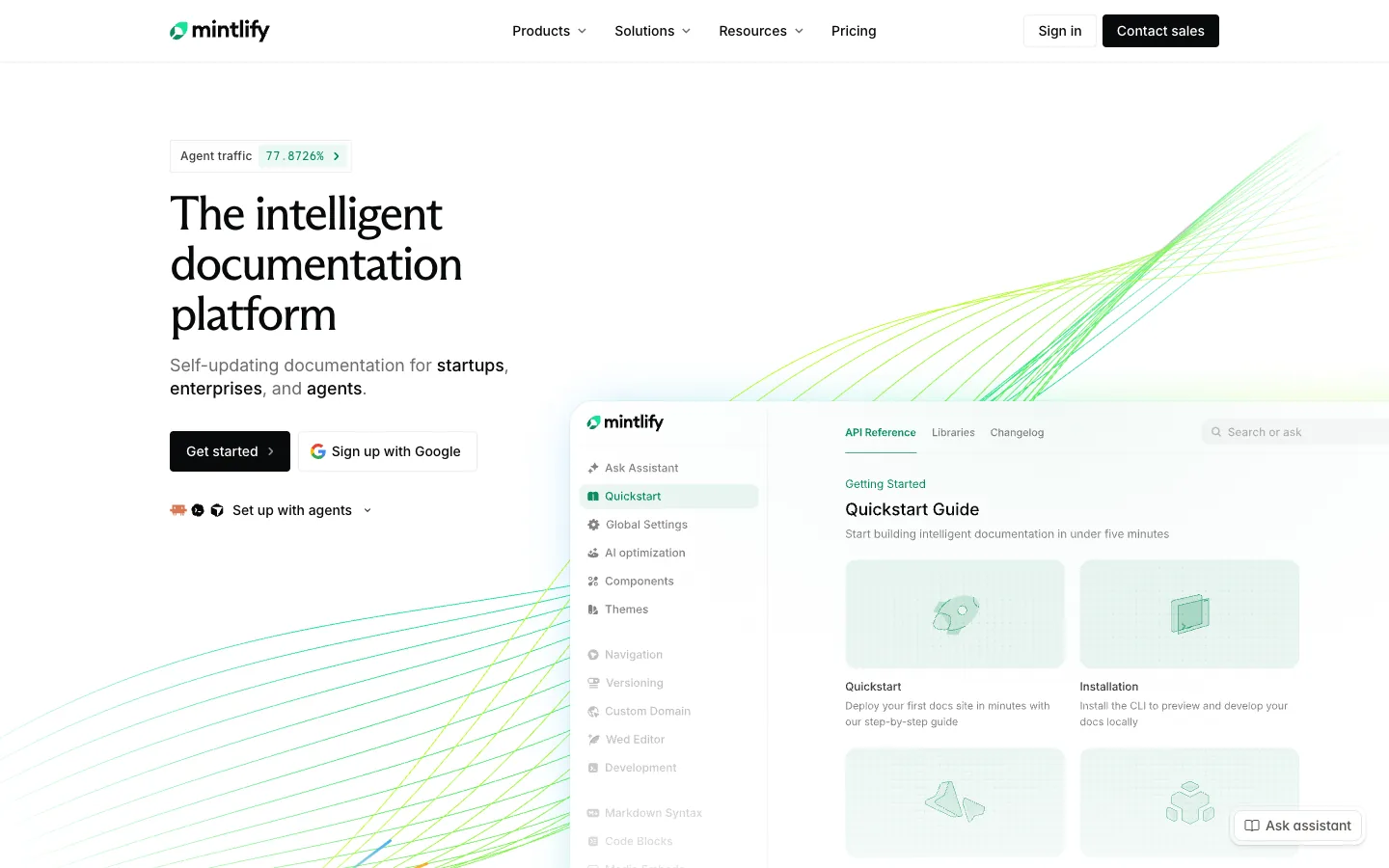
Mintlify is a hosted docs platform known for clean design and AI features. It works from Markdown, MDX and OpenAPI files in a Git repository, with a web editor for people who don't use Git. For Docusaurus teams, it's the closest like-for-like move: the same MDX-in-Git workflow, without running the build.
Its focus is how docs look and how AI tools read them. Access to the API is handled somewhere else. Most enterprise controls, such as SSO, role-based permissions and audit logs, sit on the Enterprise plan, so check that tier before you compare prices.
Key features:
- MDX in Git: Keeps the Markdown and MDX workflow Docusaurus teams already know, with hosting handled.
- API playground: Generates interactive reference from OpenAPI, so developers can test endpoints from the docs.
- Web editor: Lets non-developers edit in the browser while engineers keep working in Git.
- AI assistant: Answers reader questions from your docs, using credits beyond Pro's 10,000 a month.
- MCP server: Lets AI coding tools read your docs directly, on every plan including the free Starter plan.
- Enterprise controls: Adds SSO, role-based permissions, audit logs and self-hosting on the Enterprise plan.
Pros:
- Easiest migration path for MDX content
- Free Starter plan for up to 5 editors
Cons:
- Pro costs $450/month, and heavy AI use adds credit costs
- No key issuing or access approval
Who is it for: Developer-led teams that want Docusaurus-style docs without the upkeep. See our Mintlify alternatives guide for the enterprise view.
3. ReadMe
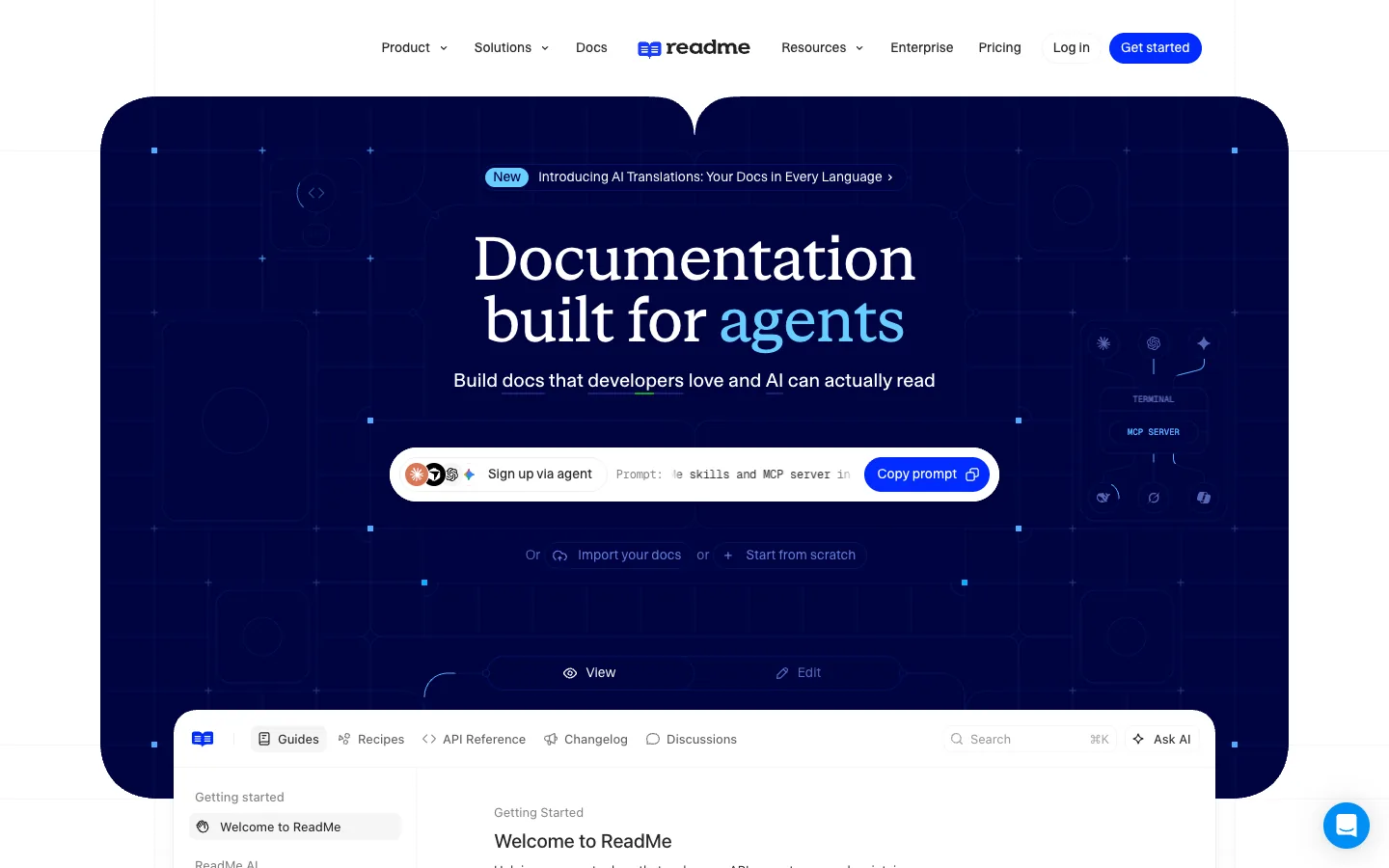
ReadMe is a hosted developer hub built around interactive API reference. It turns an OpenAPI file into reference pages developers can test in the browser. Compared with Docusaurus, API reference is the center of the product, not a plugin you maintain.
Its other strength is usage data. Once you connect its metrics tools, ReadMe shows which developer called which endpoint and what went wrong. That helps support teams answer integration questions, but access itself still comes from your own systems.
Key features:
- Interactive API reference: Generates reference pages from OpenAPI, with a try-it console for every endpoint.
- Bi-directional Git sync: Keeps docs and API specs in step with your repository in both directions.
- Developer dashboard: Shows per-developer API logs once you connect ReadMe's metrics SDK or API.
- AI discoverability: Publishes
llms.txtand an MCP server on every plan, including the free Starter plan. - Ask AI add-on: Adds an AI assistant that answers questions from your docs for $150 a month.
- Reader login: Supports end-user login, with SAML and OAuth options on higher plans.
Pros:
- Strong interactive reference out of the box
- Per-developer API logs help support teams debug integrations
Cons:
- Shows keys your systems issue, but doesn't issue or approve them
- SAML SSO is on Enterprise only
Who is it for: Teams whose docs are mostly API reference. See our ReadMe alternatives guide.
4. Redocly
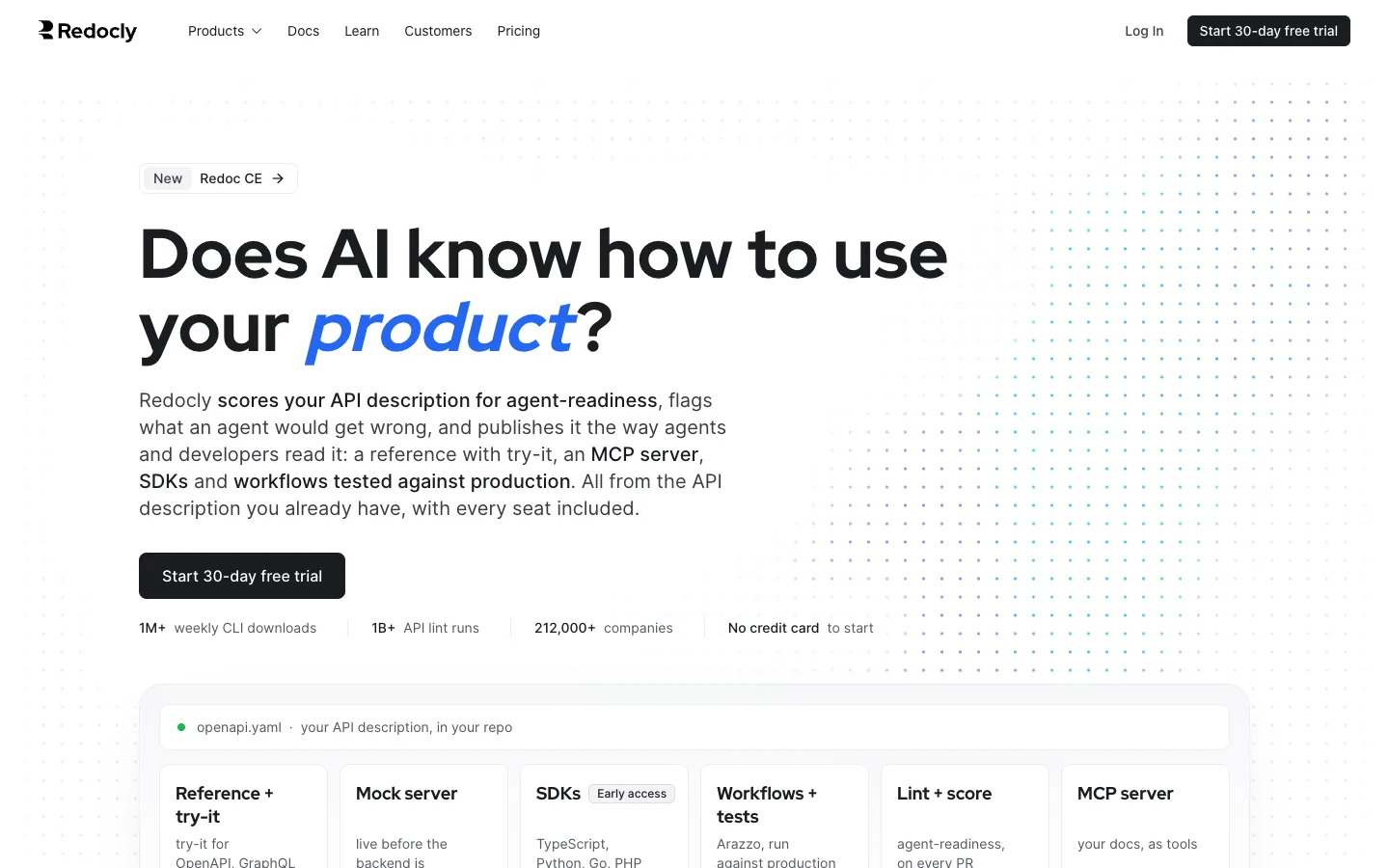
Redocly is an OpenAPI documentation platform with a command-line tool and the open-source Redoc renderer. It treats docs like code: they live in Git, change through pull requests and get checked before they publish. For Docusaurus teams, it keeps the docs-as-code workflow and adds stronger API reference.
It's priced per plan, not per person, with unlimited seats on every tier. Higher plans add reader SSO and app registration for Apigee and Gravitee. That gives it a little more access control than most docs tools, though it's limited to those two gateways.
Key features:
- Multi-format reference: Builds reference docs from OpenAPI, GraphQL and AsyncAPI, with in-page requests for testing.
- Pull request previews: Connects to GitHub, GitLab, Bitbucket or Azure DevOps and previews every change.
- Spec linting: Catches errors and style problems in your API descriptions before they reach readers.
- MCP server: Serves your published docs as tools, so AI agents can look things up.
- Reader SSO: Lets readers sign in through Google or Microsoft on the Scale plan and above.
- Flat pricing: Includes unlimited seats, with extra docs projects at $390 a year each.
Pros:
- Unlimited seats on every plan
- 30-day free trial
Cons:
- No hosted free plan
- App registration works only with Apigee and Gravitee
Who is it for: Engineering teams that keep docs in Git and want better API reference than plugins give them.
5. Fern
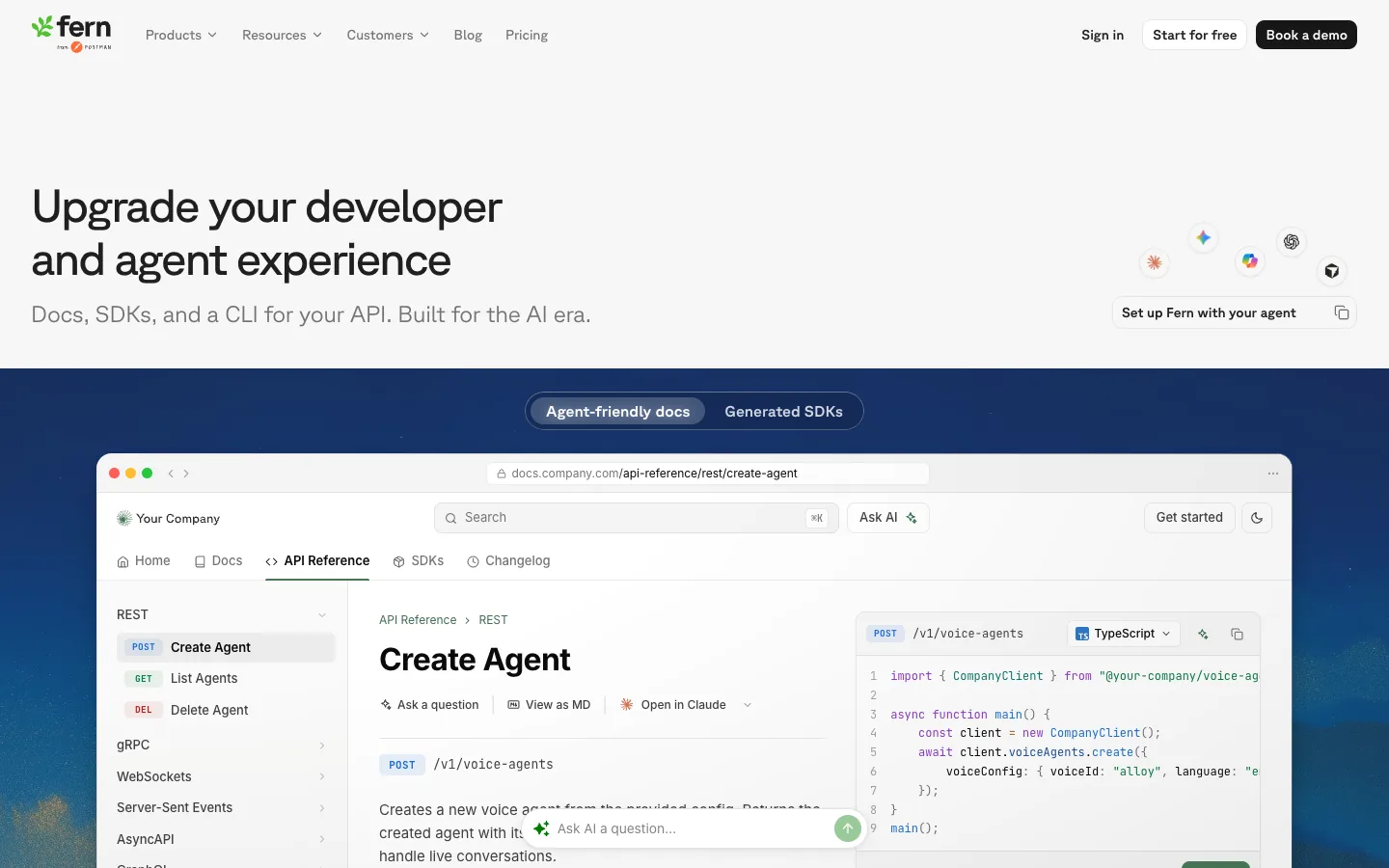
Fern generates API docs and client SDKs from the same API spec, so both stay in step. When the spec changes, the reference pages and the SDKs change together. Postman acquired Fern in January 2026, and it's now part of Postman's product line.
Compared with Docusaurus, Fern removes both the docs build and the SDK build. Its free plan is generous for docs, which makes it easy to try. SSO, SCIM, advanced roles and self-hosting sit on Enterprise, so access control needs that tier or another tool.
Key features:
- Docs and SDKs from one spec: Generates reference docs and client libraries from the same OpenAPI file.
- Broad protocol support: Covers REST, webhooks, WebSockets, server-sent events and Protobuf, so event-driven APIs get documented too.
- Guides and changelog: Publishes guides, API reference and a changelog together on one branded docs site.
- Custom domain: Hosts docs on your domain or a subpath, on the free plan too.
- Free plan: Includes 10 team members, 1,000 pages and 250 AI credits a month.
- Enterprise controls: Adds SSO, SCIM, advanced roles and self-hosting on the custom-priced Enterprise plan.
Pros:
- Generous free plan
- SDKs and docs never drift apart
Cons:
- No key issuing
- Check the roadmap after the acquisition before you commit long term
Who is it for: API teams that ship SDKs as well as docs.
6. GitBook
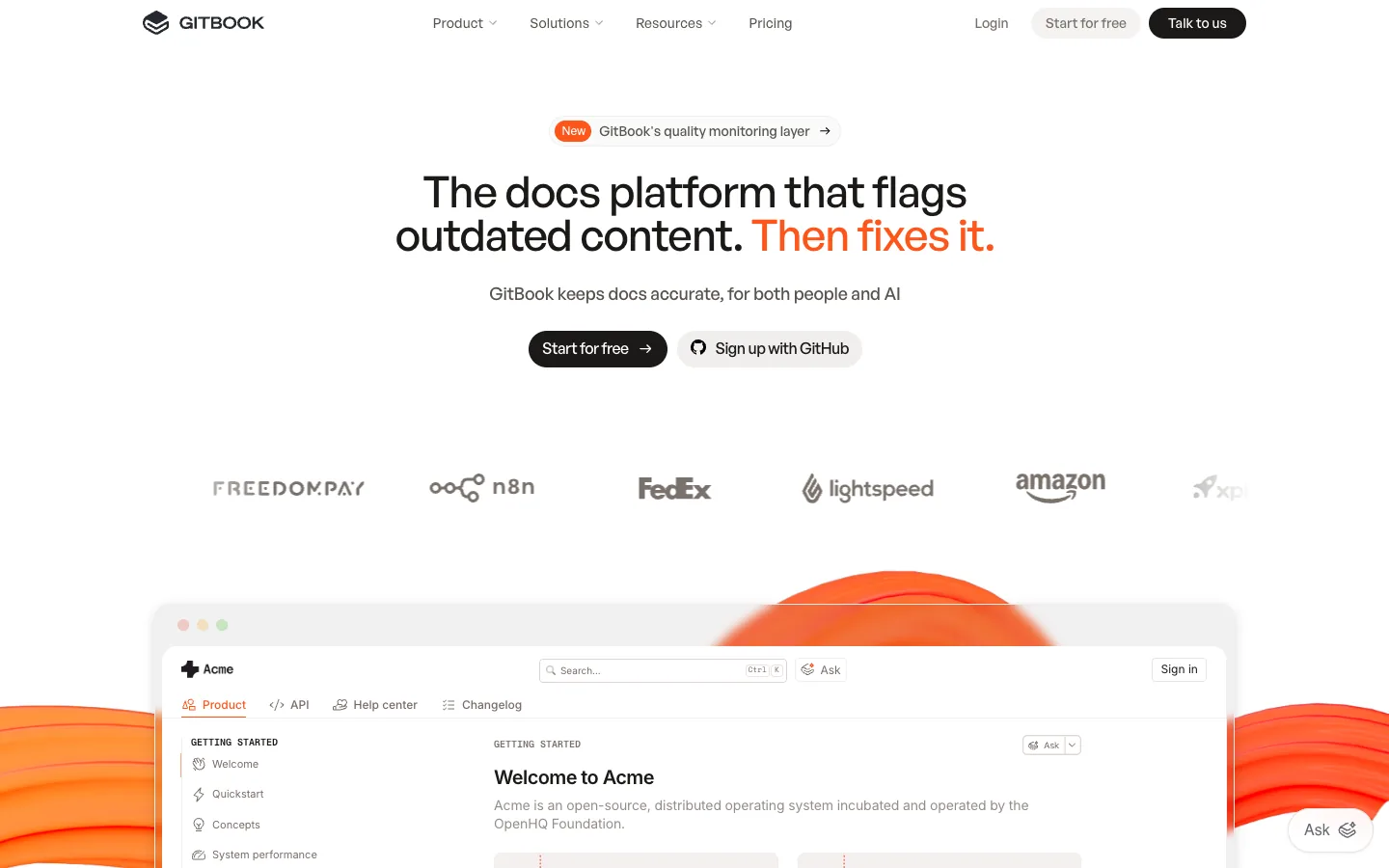
GitBook is a hosted docs platform with a block-based editor and two-way Git sync. It suits teams leaving Docusaurus because writers, not engineers, now own the docs. Non-developers write in the editor while engineers keep working in Git.
It charges per docs site plus a fee for each team member. That's affordable for one site, but separate public and partner docs need separate plans. Authenticated access for private readers sits on the Ultimate plan.
Key features:
- Block editor: Lets non-developers write and structure docs without Markdown or Git knowledge.
- Two-way Git sync: Keeps the editor and your GitHub or GitLab repository in step.
- Interactive API blocks: Renders OpenAPI operations inside pages, with a test console for readers.
- MCP server: Gives every published site an MCP server, so AI assistants can read your docs.
- AI assistant: Answers reader questions from your docs, with AI credits included on paid plans.
- Authenticated access: Restricts docs to signed-in readers on the Ultimate plan and above.
Pros:
- Easy for non-developers
- Free plan for individuals
Cons:
- Priced per site plus $12 per user
- Authenticated access needs the $249/site Ultimate plan
Who is it for: Writer-led product docs. See our GitBook alternatives guide.
7. Doctave
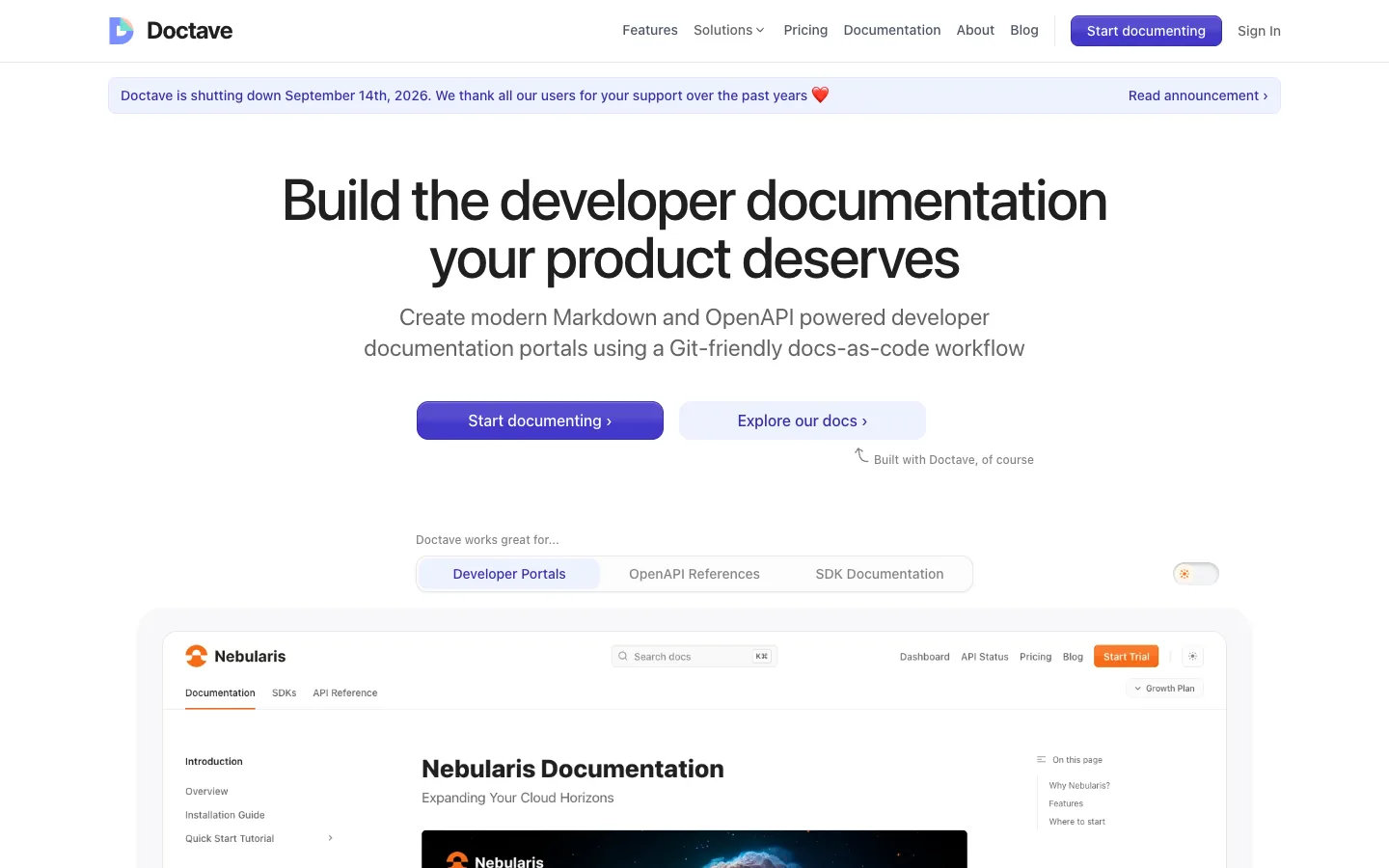
Doctave is a hosted documentation platform that positions itself as a full-stack Docusaurus alternative. It keeps docs in Markdown and Git, and adds hosting, search, analytics, feedback collection and preview environments. That covers most of what Docusaurus teams end up building themselves.
It includes OpenAPI reference without a separate plugin. It's a smaller vendor than the others in this group, so check its pricing, roadmap and enterprise controls directly before you commit.
Key features:
- Markdown in Git: Keeps a docs-as-code workflow with content stored in your repository.
- Hosting included: Builds and hosts the site, so there's no build pipeline to maintain.
- OpenAPI reference: Renders API reference from your specs alongside written guides.
- Preview environments: Creates a preview for each change, so reviewers see rendered pages.
- Analytics and feedback: Shows page usage and collects reader feedback without extra tools.
Pros:
- Covers hosting, search, analytics and previews in one product
- Familiar Markdown-in-Git workflow
Cons:
- Pricing isn't listed in this guide, so check the vendor site
- No key issuing or access approval
Who is it for: Teams that want Docusaurus's workflow with hosting, analytics and previews handled.
Open-source alternatives
8. Astro Starlight
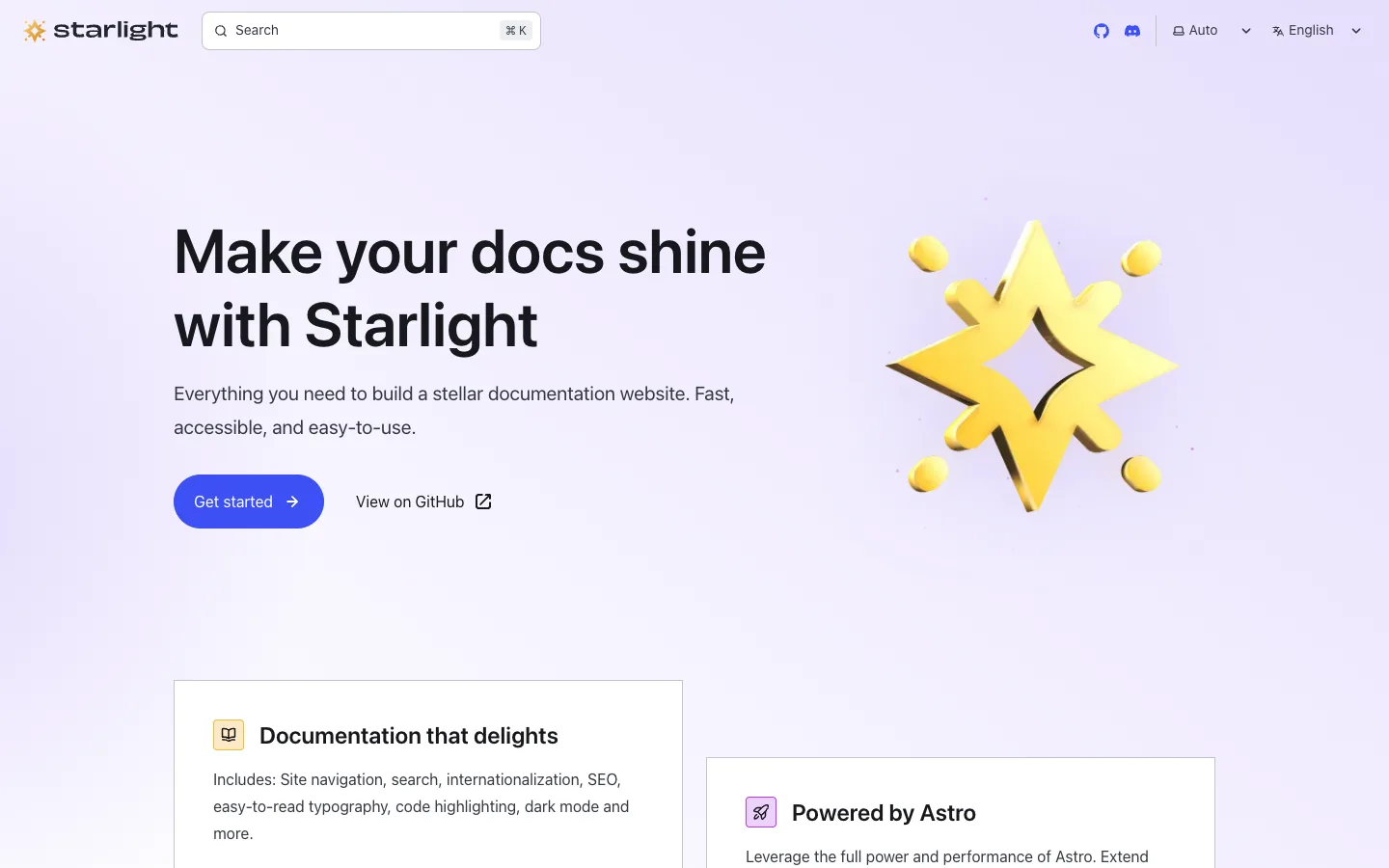
Starlight is an open-source documentation framework built on Astro. It's a common modern swap for Docusaurus: fast by default, with built-in search, translations and accessible design. It works with components from React, Vue, Svelte and other frameworks.
Like Docusaurus, you host and maintain it. It ships less JavaScript to readers, which keeps pages fast. API reference comes from community plugins, so API teams face the same plugin upkeep as before.
Key features:
- Built on Astro: Ships minimal JavaScript, so docs pages load fast without extra tuning.
- Built-in search: Includes full-text search out of the box, with no external service needed.
- Translations: Supports multiple languages through built-in internationalization.
- Markdown, MDX and Markdoc: Lets you write in the format your team prefers.
- Framework-agnostic components: Uses React, Vue or Svelte components inside docs pages.
- OpenAPI plugins: Adds API reference through community plugins rather than core features.
Pros:
- Faster and lighter than Docusaurus for most sites
- Built-in search avoids external dependencies
Cons:
- Still self-hosted and self-maintained
- No access control or key issuing
Who is it for: Developer teams that want to stay open source with a more modern, faster framework.
9. Zensical (successor to Material for MkDocs)

Material for MkDocs is a popular Python-based docs theme built on MkDocs. As of November 2026, its maintainers say it reaches end of life on May 5, 2027, with critical fixes until then. They now build Zensical, an MIT-licensed successor that can read an existing mkdocs.yml.
The approach is simpler than Docusaurus: Markdown files and one YAML config, with no React. That makes it popular with Python teams and with docs that don't need custom components. New projects should start on Zensical rather than Material for MkDocs.
Key features:
- Markdown and YAML: Writes docs in Markdown with one configuration file and no front-end framework.
- Python tooling: Installs and builds with Python, which suits backend and data teams.
- Built-in search: Includes client-side search without an external service.
- Familiar design: Keeps the Material design many developer docs sites already use.
- Migration path: Lets existing Material for MkDocs projects evaluate Zensical with their current config.
Pros:
- Simpler setup than Docusaurus
- No React upgrades to manage
Cons:
- Material for MkDocs is heading to end of life, so plan the Zensical move
- API reference needs plugins, and there's no access control
Who is it for: Python teams and simple docs sites that want less framework to maintain.
10. VitePress
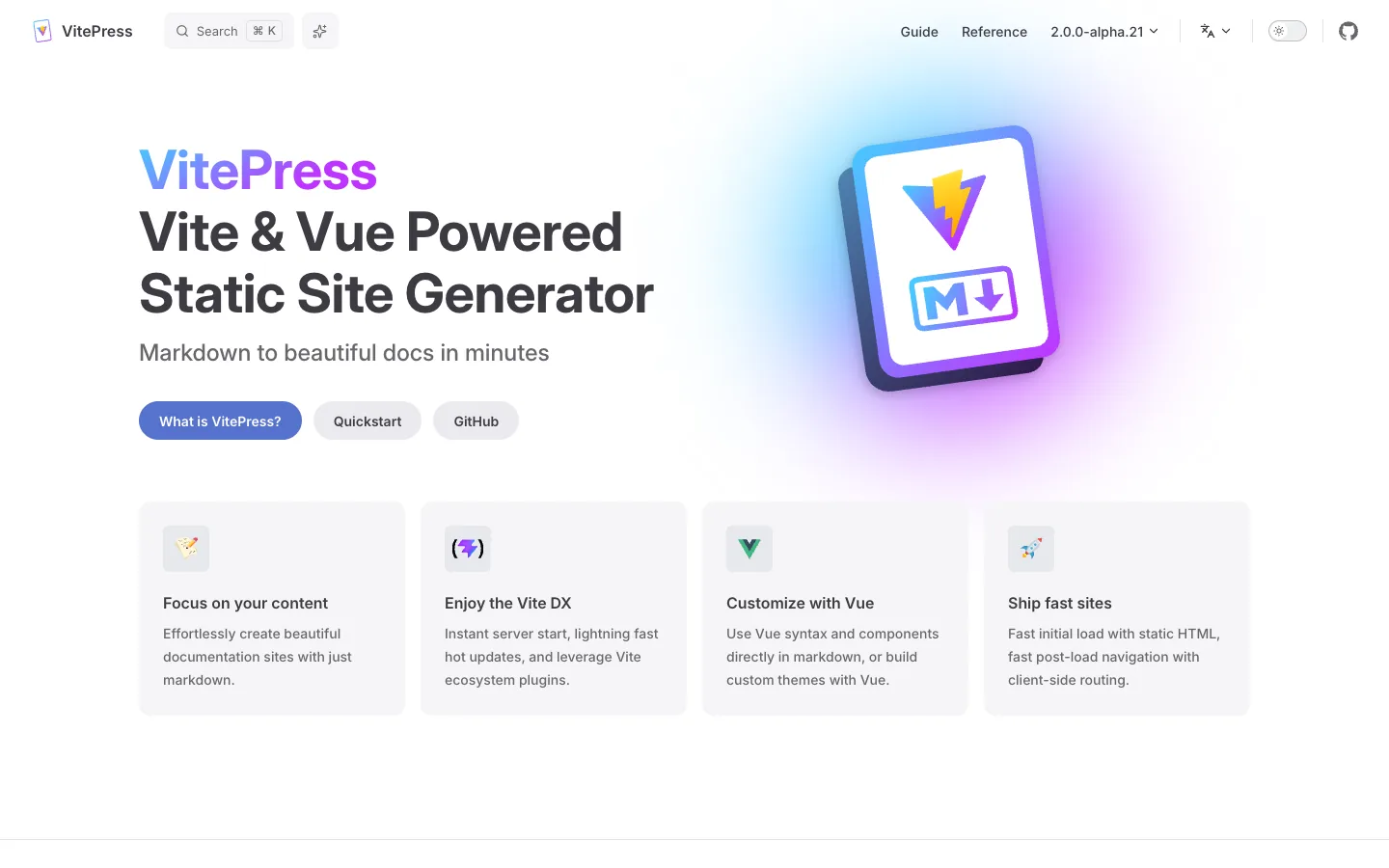
VitePress is an open-source static site generator built on Vue and Vite. It's the Vue world's answer to Docusaurus, with fast builds and a clean default theme. You write Markdown and can use Vue components inside pages.
It's lighter than Docusaurus and quick to set up. It has no built-in docs versioning, which matters for API docs with several live versions. API reference comes from community plugins.
Key features:
- Vue and Vite: Builds fast and lets you use Vue components inside Markdown pages.
- Local search: Includes built-in local search, with Algolia as an option for larger sites.
- Translations: Supports multiple languages through built-in internationalization settings.
- Default theme: Ships a clean docs theme that needs little design work.
- Static output: Builds a static site you can host on any server or CDN.
Pros:
- Fast builds and a light setup
- Good fit for teams already using Vue
Cons:
- No built-in versioning for multiple API versions
- Self-hosted, with no access control
Who is it for: Vue teams that want a lighter docs framework.
11. Sphinx + Read the Docs
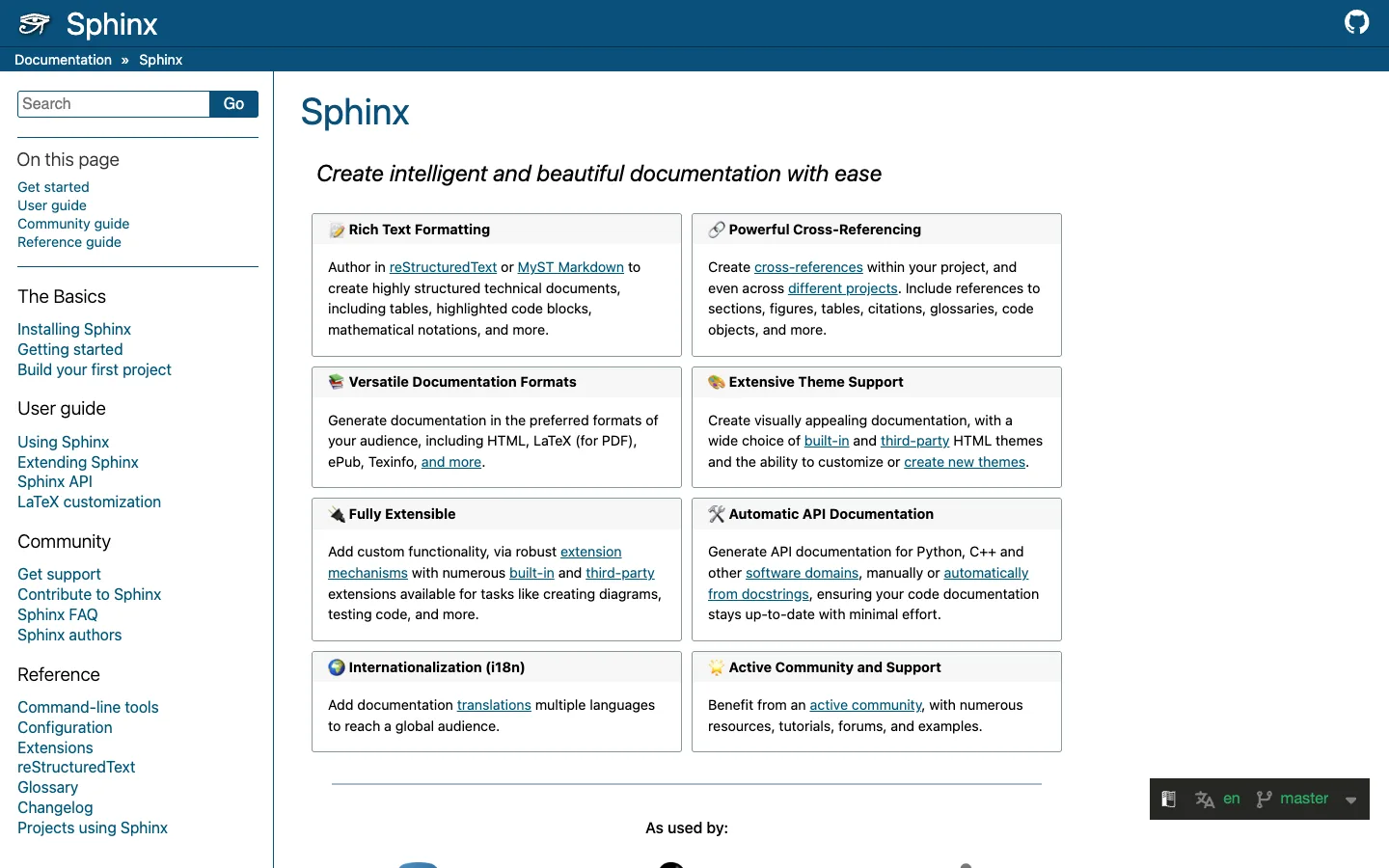
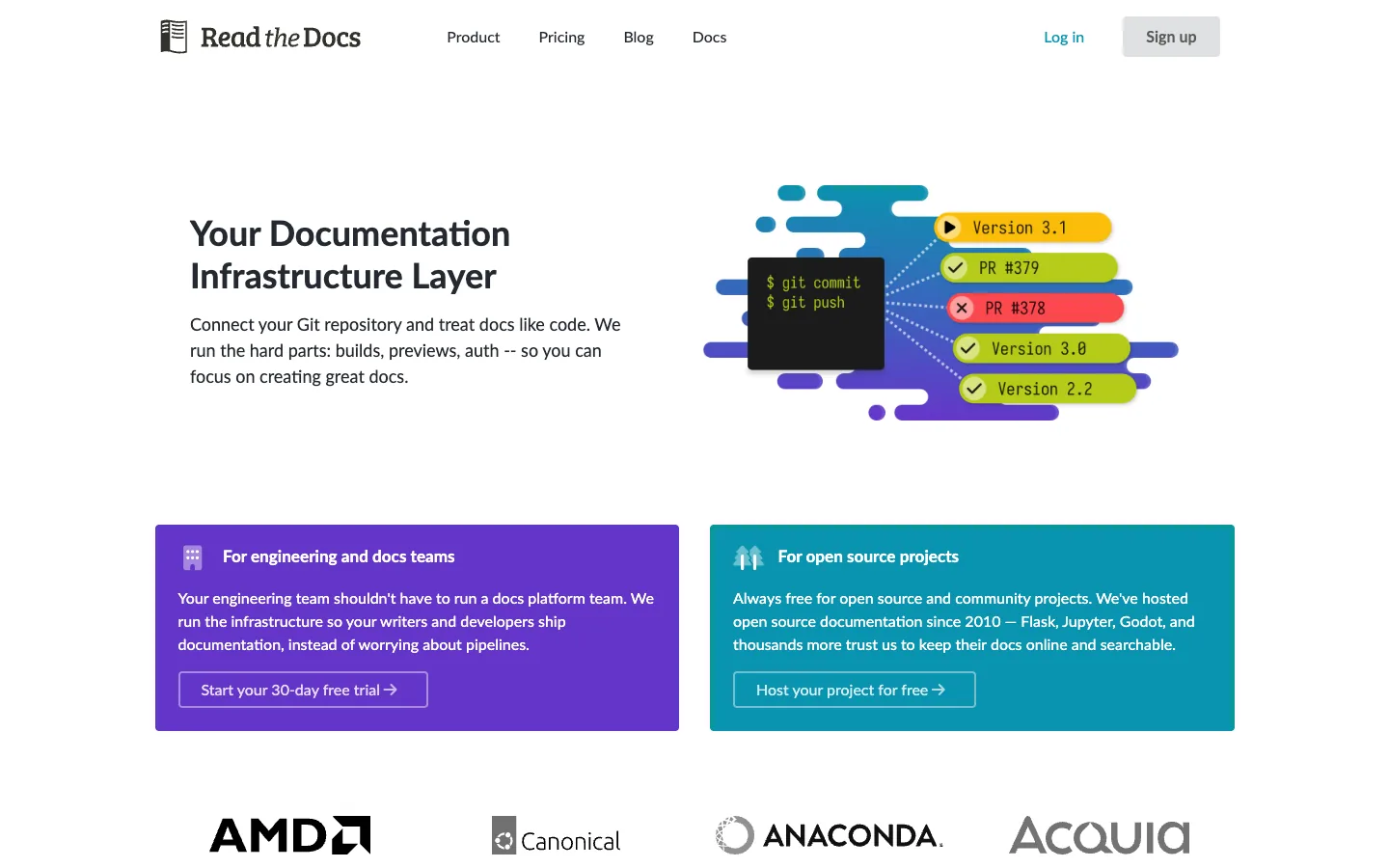
Sphinx is a long-standing Python documentation generator, and Read the Docs is a hosting service that builds Sphinx and MkDocs projects from Git. Together, they're the standard for Python libraries and SDK docs. Sphinx can pull reference docs from code docstrings.
Read the Docs builds on every commit, publishes versions from Git branches and tags, and offers pull request previews. It's free for open-source projects, with paid plans for private docs. For REST API reference, Sphinx relies on extensions, so it's a better fit for SDK docs than for HTTP APIs.
Key features:
- Autodoc from code: Generates reference pages from Python docstrings automatically.
- reStructuredText and Markdown: Supports reStructuredText natively and Markdown through the MyST extension.
- Hosted builds: Read the Docs builds and hosts docs on every commit to your repository.
- Versions from Git: Publishes a docs version for each branch or tag you choose.
- Pull request previews: Builds a preview for each pull request so reviewers see rendered pages.
Pros:
- Free hosting for open-source projects
- Strong fit for Python SDK and library docs
Cons:
- Steeper learning curve with reStructuredText
- REST API reference needs extensions, and there's no access control
Who is it for: Python libraries and SDK documentation.
For more options, see our guides to the best API documentation tools and the Document360 alternatives.
Which Docusaurus alternatives are open source?
The main open-source Docusaurus alternatives are Astro Starlight, Zensical (Material for MkDocs), VitePress, Sphinx, Hugo and Docsify. All are free to use and self-host. The right one depends on your team's language and whether you need versioning or an API reference.
Open-source tools cost nothing to license, but you pay in setup and upkeep. If upkeep is why you're leaving Docusaurus, a hosted platform or portal will save more time than another framework.
How does Docusaurus compare with Mintlify, MkDocs, GitBook and VitePress?
Docusaurus wins on control and cost, while each rival wins on something specific: Mintlify on hosting and AI, MkDocs on simplicity, GitBook on editing and VitePress on speed. Here's the short verdict for each head-to-head.
Docusaurus vs Mintlify: which is better?
Mintlify is better if you want MDX docs without running a build, plus AI features and an API playground out of the box. Docusaurus is better if you want full control, no subscription and the freedom to self-host. Neither issues API keys, so access needs another tool either way.
Docusaurus vs MkDocs: which should you use?
MkDocs, with Material for MkDocs or its successor Zensical, is better for simple sites and Python teams, because it uses Markdown and one YAML file with no React. Docusaurus is better when you need MDX components, built-in versioning and a large plugin ecosystem. If you're on Material for MkDocs today, plan for its end of life on May 5, 2027.
Docusaurus vs GitBook: which is better?
GitBook is better when writers and product managers own the docs, because its block editor needs no Git or Markdown. Docusaurus is better when engineers own the docs and want everything in code. GitBook is hosted and paid per site, while Docusaurus is free and self-hosted.
Docusaurus vs VitePress: what are the key differences?
Docusaurus uses React and includes built-in versioning and translations. VitePress uses Vue and Vite, builds faster and is lighter, but has no built-in versioning. Choose by framework: React teams usually stay with Docusaurus, Vue teams usually pick VitePress.
How do you add OpenAPI reference to Docusaurus, and when should you stop?
You add OpenAPI reference to Docusaurus with a community plugin, most often docusaurus-openapi-docs, which generates reference pages from your spec. It works well for public reference. It doesn't add sign-in, keys or usage data, and it's one more dependency to upgrade.
The usual setup has four steps:
- Install the plugin and theme: Add
docusaurus-plugin-openapi-docsanddocusaurus-theme-openapi-docsto your project. - Point it at your spec: Configure the plugin in
docusaurus.configwith the path to your OpenAPI file and an output folder. - Generate the pages: Run the plugin's generate command to create MDX pages for every operation.
- Add them to the sidebar: Include the generated sidebar so developers can browse endpoints.
It's time to stop adding plugins when:
- Plugin upgrades block Docusaurus upgrades, or the reverse
- Partners need to sign in to see their APIs
- Developers need real keys to use the try-it console
- You need to know which partner called which endpoint
At that point, you're building a developer portal inside a docs framework. Our guide on whether to build or buy an API developer portal walks through that decision.
How do you choose the right Docusaurus alternative?
Choose based on the reason you're leaving, not on feature lists. Maintenance, editing, API reference and access each point to a different group. Many teams also keep Docusaurus for guides and add a portal for access.
Stay on Docusaurus if:
- Engineers own the docs and have time to maintain the site
- Your docs are public and need no access control
- You rely on custom React components
Move to an open-source alternative (Starlight, Zensical or VitePress) if:
- You want to stay self-hosted but with a lighter or faster framework
- Your team prefers Python or Vue to React
Move to a hosted docs platform (Mintlify, ReadMe, Redocly, Fern or GitBook) if:
- Nobody wants to own the docs build anymore
- Writers need to edit without Git
- You want built-in API reference, search and analytics
Move to a managed API portal if:
- Partners email for keys or sandbox access
- Your APIs run on more than one gateway
- You need partner-specific content and usage data
You don't have to replace Docusaurus to fix the access gap. Some teams keep it for guides and link to a portal for reference, sign-up and keys.
How do you migrate from Docusaurus?
Migrating from Docusaurus takes five steps: audit, move specs, map navigation, redirect and fix access. Markdown content moves with little effort. Most of the effort is in custom MDX components and in setting up access properly.
- Audit MDX and custom components: List every React component used in your docs. These need rebuilding or replacing in the new tool.
- Move specs, not generated pages: Import your OpenAPI files directly, rather than copying pages a plugin generated.
- Map sidebars and navigation: Recreate your sidebar structure and versioned docs in the new tool's format.
- Set up redirects: Map every old URL to its new address, so search rankings, bookmarks and AI citations carry over.
- Move access out of email: Add self-service sign-up, sandbox access and approval, so the new home does more than the old one.
Run both sites in parallel for a few weeks and check for broken links before you switch off the old build.
FAQ
What is the best alternative to Docusaurus?
The best Docusaurus alternative depends on why you're leaving. For hosted docs with no upkeep, Mintlify is the closest like-for-like move. For better API reference, ReadMe or Redocly. For an open-source swap, Astro Starlight. If partners need API keys and access approval, choose a managed API developer portal.
Is Docusaurus completely free?
Yes, Docusaurus is free and open source under the MIT license. You still pay for hosting, any search service you add and the engineering time to upgrade Docusaurus, React and plugins. Algolia DocSearch is free for public technical documentation if your site is accepted.
Which is better, Docusaurus or GitBook?
GitBook is better when non-technical writers own the docs, because its block editor needs no Git or Markdown. Docusaurus is better when engineers own the docs and want full control in code. GitBook is hosted and paid per site, while Docusaurus is free to self-host.
Is Docusaurus good for API documentation?
Docusaurus is good for API guides, but API reference needs a community plugin such as docusaurus-openapi-docs. It has no built-in sign-in, API keys or usage data. For public reference it works well. For partner APIs that need access control, teams usually add a developer portal.
Docusaurus vs MkDocs: which should I use?
Use MkDocs, with Material for MkDocs or its successor Zensical, for simple docs and Python teams, because it needs only Markdown and a YAML file. Use Docusaurus when you need React components, built-in versioning and a large plugin ecosystem. Material for MkDocs reaches end of life on May 5, 2027.
Is Docusaurus SEO friendly?
Yes. Docusaurus generates static HTML with clean URLs, sitemaps and metadata, which search engines crawl well. To get the most from it, add page descriptions, set canonical tags on versioned pages and keep custom components fast.
Can Docusaurus render OpenAPI specs?
Yes, through community plugins. The most widely used is docusaurus-openapi-docs, maintained by Palo Alto Networks, which generates reference pages from your OpenAPI file for Docusaurus 3. You install the plugin and theme, point them at your spec and generate the pages.
What is the best open-source Docusaurus alternative?
Astro Starlight is one of the most popular open-source Docusaurus alternatives in 2026, thanks to fast pages, built-in search and translations. Zensical, the successor to Material for MkDocs, suits Python teams. VitePress suits Vue teams. All three are free to self-host.
Final word
Docusaurus is a good framework. The question is whether your team should still be running one.
If engineers enjoy owning the docs site, stay, or move to Starlight. If nobody wants the build anymore, a hosted docs platform will give that time back. If partners read your docs and then email for access, the gap was never the docs framework.
Partners read your docs, then email for keys.
See how DigitalAPI gives them self-service access across your gateways.
Dhayalan Subramanian is Associate Director, Product Growth at DigitalAPI, where he leads go-to-market and product growth for the company’s multi-gateway API management platform. His work focuses on helping large enterprises and mid-market cloud companies consolidate APIs across AWS, Azure, Apigee, Kong, MuleSoft, and other gateways into a single control plane for governance, discovery, monetization, and agent consumption.
Dhayalan brings 14+ years of experience across product strategy, enterprise architecture, and engineering leadership. Earlier in his career, he held senior roles at Encora (as Associate Architect and Technical Manager), Mindtree (Technology Lead), Tech Mahindra (Technical Lead), and Primus Analytics, where he designed integration frameworks and delivered enterprise-grade digital platforms for global customers.
At DigitalAPI, he works directly with platform, integration, and developer experience leaders at Fortune 500 organizations to operationalize unified API catalogs, developer portals, and MCP-ready APIs. He writes regularly on API developer experience, API governance, and AI agent architectures.

One email a fortnight. Worth opening.
A short digest of what we're writing, what we're learning from customers, and the handful of links you'd actually want from us. No tracking pixels.