











Best API Developer Portals in 2026: Top Picks Compared
Compare the best API developer portals for 2026: DigitalAPI, Mintlify, Stoplight, Redocly, Fern, and Backstage. See how unified catalogs, sandbox testing, subscriptions, and MCP readiness stack up across internal and external use cases.

TL;DR
1. An API developer portal is where your API consumers transact with your APIs - not just read about them. The best portals combine documentation with self-serve key access, sandbox testing, and usage analytics in one place.
2. Most documentation tools like Redocly, Mintlify, SwaggerHub, and more give you the docs layer only while Apigee, Mulesoft, Kong are gateway native portals offering limited capabilities.
3. DigitalAPI's API developer portal is the only platform offers a self-serve, fully customizable branded API developer portal that lets developers discover, test, and subscribe to APIs in minutes.
4. It comes with a unified API catalog, AI-powered search, interactive sandbox, key management, SDKs, documentation, usage analytics, and agent-ready endpoints built in. Most organizations go live in just 3 days.
5. Skip this article and go straight to a demo if you already know you need a portal with self-serve key management, built-in testing, and white-label branding. [Book a demo]
Every API program eventually runs into the same wall. APIs exist, but developers cannot find them ortest them without filing a ticket, and waiting to get credentials. As a result, adoption stalls and partners take weeks to onboard. Teams rebuild what already exists. The fix is not more APIs, it is a better developer portal.
The API management market is valued at $6.89 billion, yet most organisations are still giving their developers a static documentation page and calling it a portal. A real developer portal is where developers transact with your APIs, not just read about them. They log in, browse the catalog, test an endpoint, generate a key, and go live. No email required. No ticket raised.
For teams whose primary audience is external - customers, partners, or third-party developers consuming your APIs from outside your organisation - the self-serve and access management layer is the critical differentiator. A documentation page is not a developer portal if external developers still have to email someone for a key.
This guide compares 12 of the most widely used API developer portals in 2026, evaluated across documentation quality, self-serve access management, developer experience, and time-to-first-call. We have included platforms across different use cases so you can identify the right fit for your API program.
What Makes an API Developer Portal Worth Using in 2026
The platforms that defined this category in 2022 were built primarily as documentation hosts. That is no longer sufficient for API-first companies whose developers need to do more than read. We evaluated each platform against five criteria that reflect what API consumers actually need in 2026.
- Self-serve access: Can a developer log in, generate a key, and start testing without raising a ticket? This is the primary distinction between a documentation tool and a full developer portal.
- Documentation quality: Does the portal render OpenAPI specs interactively? Can developers test endpoints from within the documentation without switching tools?
- Time-to-first-call: How long does it take a new developer to make their first successful API call? Under 10 minutes is the benchmark for well-designed portals.
- AI and MCP readiness: Can your APIs be exposed as MCP servers so AI agents can consume them directly? This is the 2026 differentiator separating forward-looking portals from static documentation sites.
- White-label and branding: Does the portal present as your product, or as the vendor's product? External-facing portals must be indistinguishable from your own brand.
The Best API Developer Portals Compared (2026)
Here is a direct comparison of the leading platforms across the criteria that matter most for enterprise teams.
Note: "Self-serve key access" means a developer can log in, generate an API key, and begin testing without any manual approval or team intervention. This is the primary distinction between a full developer portal and a documentation-only tool.
Platform-by-Platform Breakdown of API Developer Portals
Each platform below is reviewed against the same five criteria: self-serve access, documentation quality, time-to-first-call, AI and MCP readiness, and white-label capability. We have included honest limitations for each, because the right portal for your API program depends on your specific requirements, not on which vendor has the most impressive feature list.
End-to-End Self Serve Customized Developer Portal
1. DigitalAPI
DigitalAPI offers a self-serve, fully customizable branded API developer portal built to offer a great developer experience for both internal teams, external developers, customers, partners, and AI agents.
It is a purpose-built solution for any organization that exposes APIs to developers, partners, or AI agents and has outgrown documentation-only tools, spreadsheets, or homegrown portals.
Instead of forcing teams to stitch together a docs tool, a key-management spreadsheet, a sandbox, a ticket queue, and a finance handoff, the portal connects discovery, testing, access, subscriptions, and analytics in one place. Developers and AI agents query the catalog in plain English and find any API by use case, name, or data type.
Unlike documentation-only or gateway native developer portals that offer a subpar experience, or open-source internal portal frameworks that take 3 to 6 months to set up and require huge engineering effort, DigitalAPI's Developer Portal handles the entire developer journey out of the box and can be up and running in 3 days. It's built agent-ready from day one, so AI agents consume your APIs through the same governance and audit trail as human developers.
What DigitalAPI does well:
- Developers can self-serve from discovery to live key - no manual approval required
- Interactive test console built in - developers test before they integrate
- AI-powered search and API-GPT out of the box
- API catalog with AI-powered search (API-GPT) - find APIs in plain language
- Automated documentation from your OpenAPI specs and stay current as APIs change.
- MCP-ready - your APIs can be consumed directly by AI agents
- Auto-generated, downloadable SDKs in Python, Java, JavaScript, Go, .NET and more.
- Role-based access control with custom roles for internal engineers, external partners, and AI agents under one access model.
- White-label - the portal is your brand, not DigitalAPI's
- Ready for Monetization with Native billing support
- Live in days, not months - no engineering team required to deploy
Who it's for:
- Cloud-first SaaS and API-first products distributing APIs to internal developers, external partners, and customers
- Enterprises scaling external developer and partner programs
- Fintech, payments, and insurance companies opening APIs to brokers, agents, and third-party developers
- Healthcare and data platforms productizing access to clinical, claims, or transactional data
- Telecom, connectivity, and logistics platforms giving partners programmatic access to your network
- Platform engineering teams consolidating scattered internal API catalogs across teams and gateways
- Mid-market companies running internal and external API programs from one portal
- Enterprises that need SSO, RBAC, audit logs, multi-tenancy, and SOC 2 from day one
Limitations:
- Not a documentation-only tool, if you need a simple reference site, Redocly or SwaggerHub may be a lighter fit
- Best suited for companies with APIs ready for internal and external usage
Want to see these capabilities running alongside your gateways?
Book a 30-minute live demo.
Documentation Only developer portal
2. Redocly
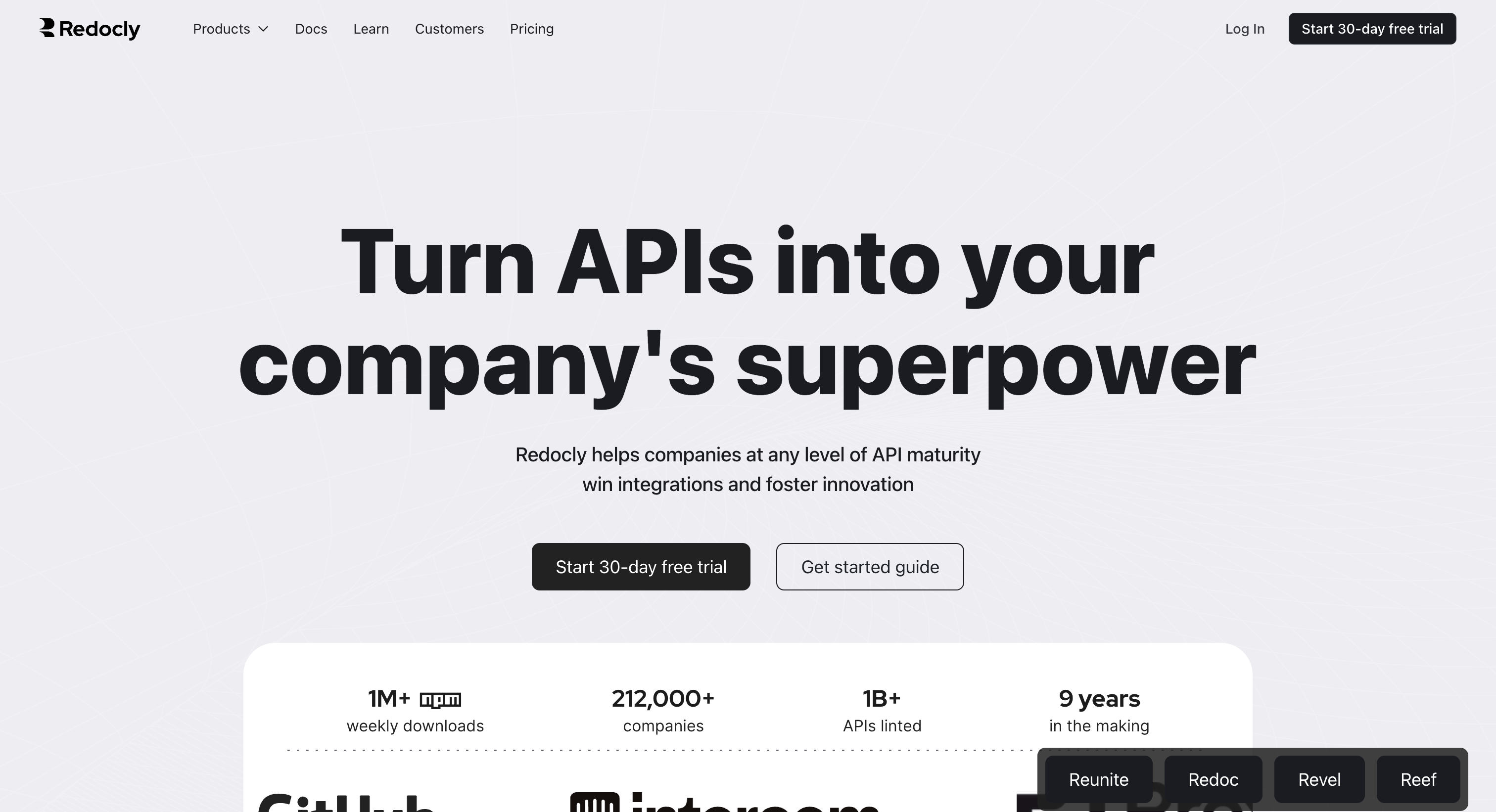
Redocly is a documentation-first platform that renders OpenAPI specifications into polished, interactive reference pages. It is the strongest option in this comparison if your primary need is high-quality API reference documentation with a clean developer experience
What Redocly does well:
- Best-in-class OpenAPI rendering - documentation is clear, navigable, and interactive
- Developer-experience focus - strong emphasis on readability and first impressions
- Workflow integration - fits into existing CI/CD pipelines for docs-as-code teams
- Good for teams with an established API program that needs better documentation
Limitations:
- Documentation only - no self-serve key management, no sandbox, no subscription layer
- Developers must still contact your team to get credentials and go live
- Not a full developer portal - it is a documentation tool that looks like a portal
Who it's for: Engineering teams and technical writers focused on shipping high-quality, OpenAPI-driven reference documentation, with developer access and credentials managed by a separate process.
3. SwaggerHub
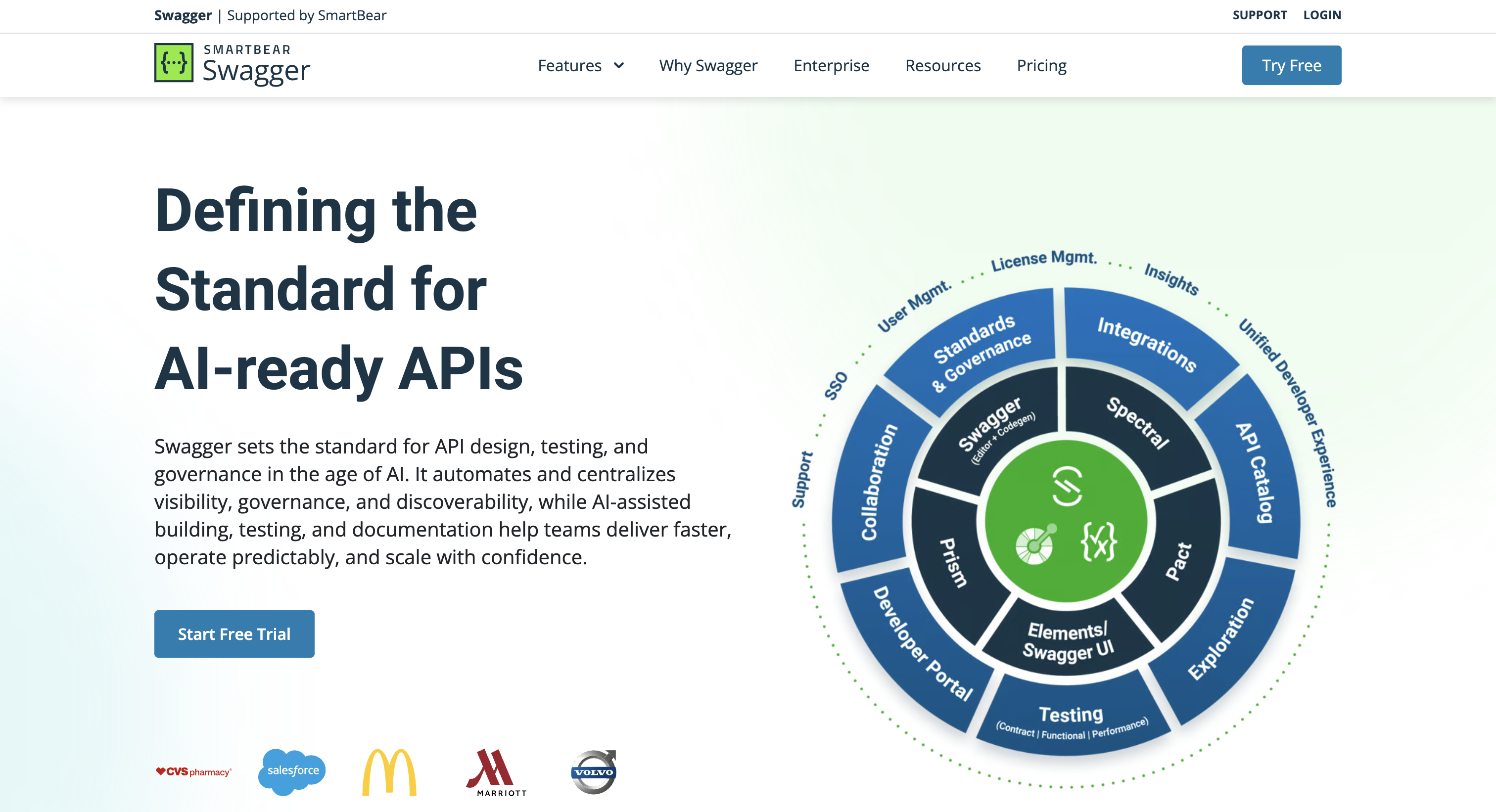
SwaggerHub is Smartbear's platform for designing, documenting, and sharing APIs using the OpenAPI Specification. It is the right choice for teams that want a centralised place to manage their API design and publish reference documentation.
What SwaggerHub does well:
- OpenAPI-first - strong tooling for designing and validating API specifications
- Centralised documentation hub - useful for teams managing multiple API specs
- Widely adopted - familiar to most API teams, low learning curve
- Free tier available - accessible for smaller teams
Limitations:
- No self-serve access management - developers cannot generate keys or manage subscriptions
- No sandbox or live testing environment - documentation only
- Portal experience is basic - not designed for external developer onboarding at scale
Who it's for: Teams standardizing on OpenAPI for API design and reference documentation, with existing access provisioning processes and no near-term need for self-serve onboarding, subscription management, or external partner programs.
4. Mintlify
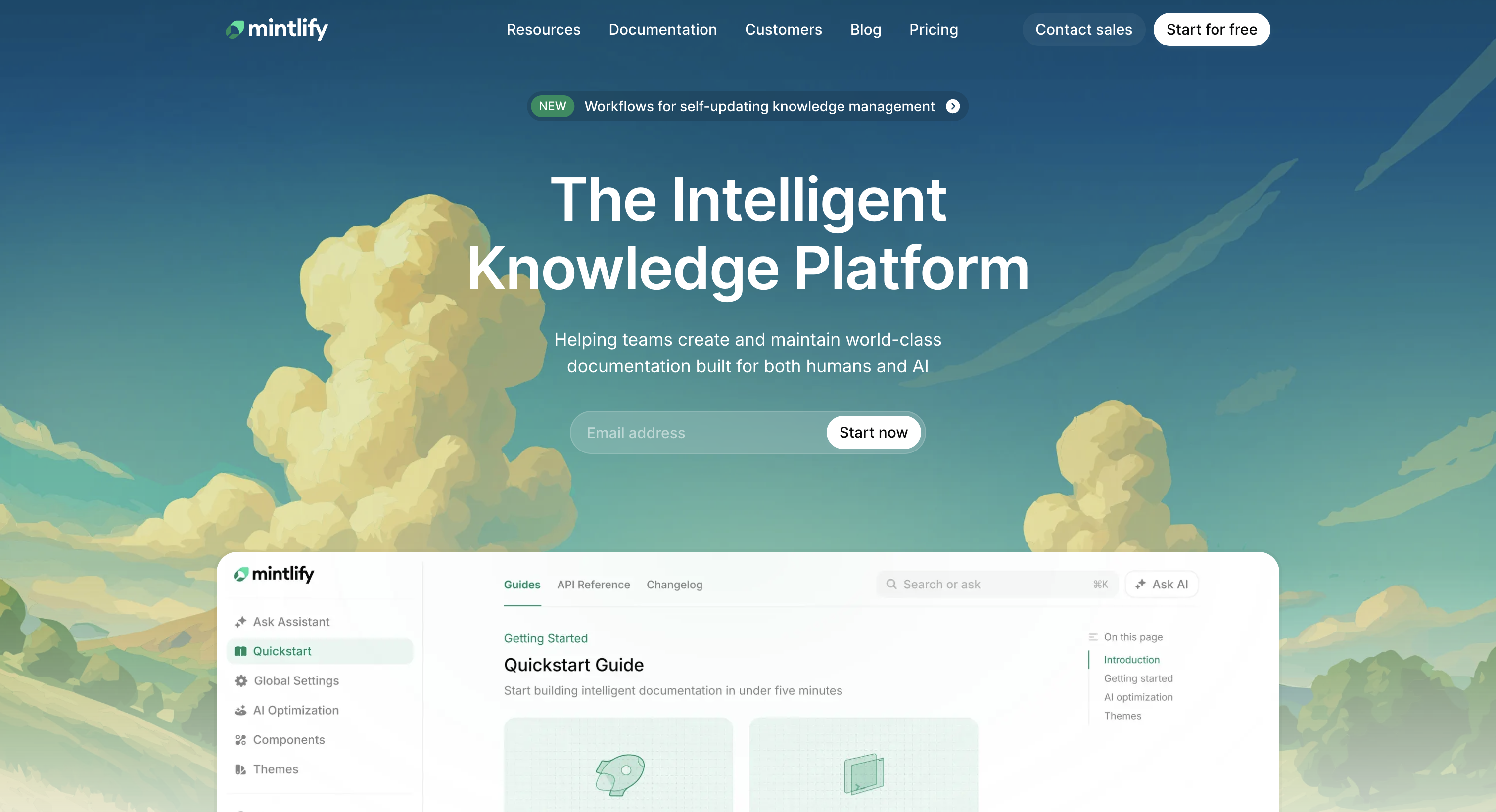
Mintlify is a modern developer documentation platform built for fast doc shipping. It is known for clean design, Git-based sync, a built-in AI search assistant, and llms.txt support that makes docs readable by LLMs and AI assistants.
That positioning matters. Mintlify is documentation-first, not a full developer-portal lifecycle product. You ship beautiful docs quickly, but onboarding, subscriptions, and key management live elsewhere.
What Mintlify does well:
- Fast, beautifully designed docs out of the box
- Git-based content workflow with minimal setup overhead
- Built-in AI search and chat assistant for developers
llms.txtsupport for AI agent and LLM discovery- Strong design defaults used by leading API-first companies
Limitations:
- Documentation-only, with no native subscription management or plan tiers
- No API key lifecycle management, rotation policies, or audit trails
- No monetization, billing, or pay-per-use infrastructure
- RBAC, SSO, multi-tenancy, and SOC 2 controls not part of the core product
- Agent readiness via
llms.txtonly, not a full MCP tool registry with OAuth M2M
Who it's for: Startups and API-first companies whose immediate priority is shipping great docs quickly, with simpler onboarding flows and no near-term need for monetization, multi-tenant governance, or agent consumption at scale.
5. Fern
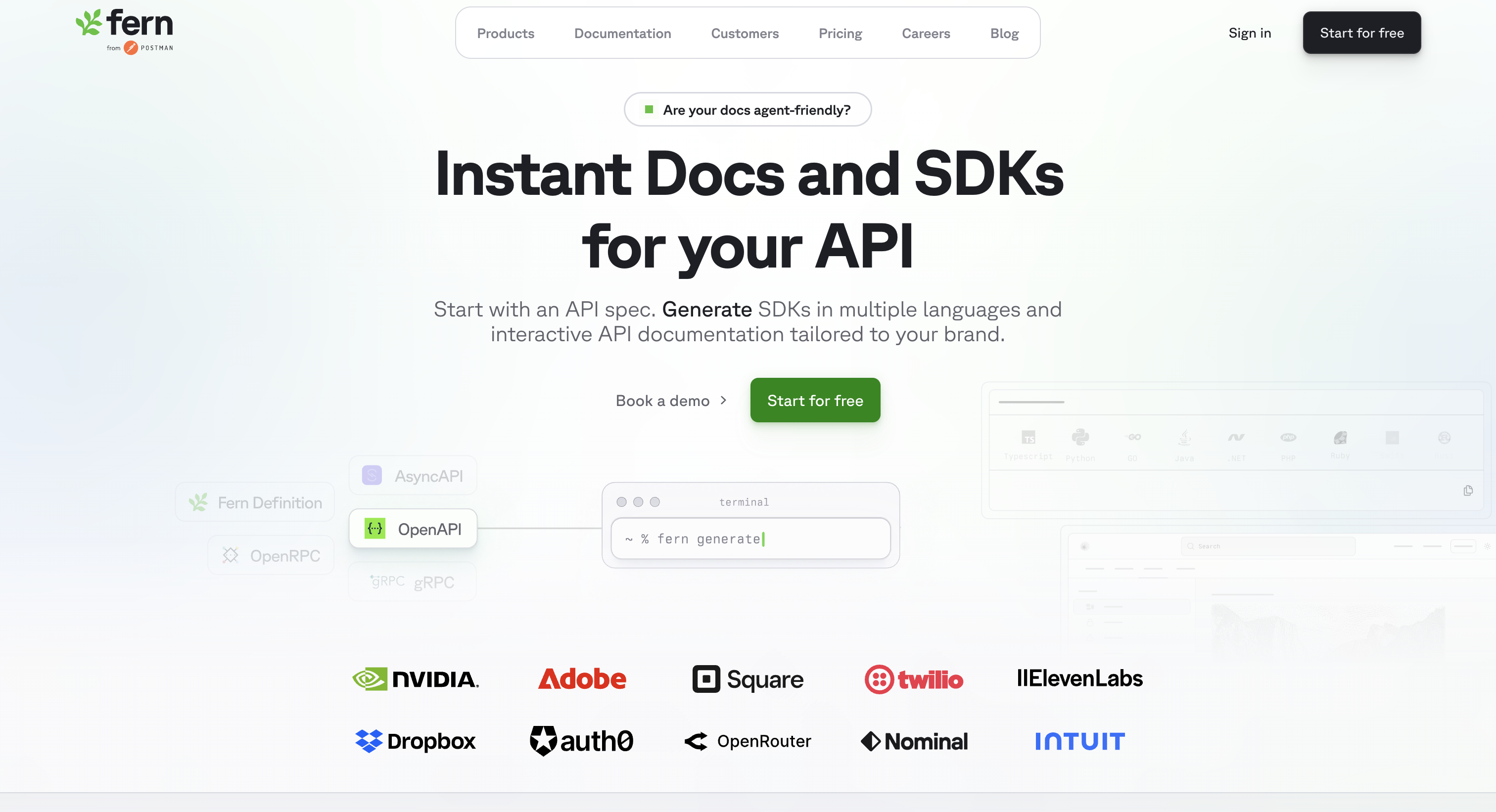
Fern is a developer portal and SDK generation platform built around OpenAPI. It auto-generates type-safe SDKs in 6+ languages from a single API definition, alongside hosted docs with deep visual customization.
Fern is recognized for "brand-critical" portals where the developer experience must match the company's exact design system. Like Mintlify, it sits in the modern docs + SDK cluster and focuses on discovery and integration, not the full lifecycle.
What Fern does well:
- Auto-generated, type-safe SDKs in TypeScript, Python, Java, Go, Ruby, C#, and more
- Deep visual customization for portals matching exact design systems
- Git-based, OpenAPI-first workflow
- SDKs published via NPM, Maven, and standard package managers
- Strong fit for API-first products with polished partner-facing docs
Limitations:
- Focused on docs and SDK distribution, not the full developer lifecycle
- No native self-serve subscription management, plan tiers, or quotas
- No monetization, billing, or pay-per-use infrastructure
- Interactive sandbox limited to basic try-it-now, not key-managed test consoles
- Governance, RBAC, audit logs, and SOC 2 controls not first-class
- Agent and MCP readiness not native
Who it's for: API-first startups and product teams whose top priority is great docs and SDK quality, with limited need for subscription management, billing infrastructure, or agent consumption.
6. Stoplight
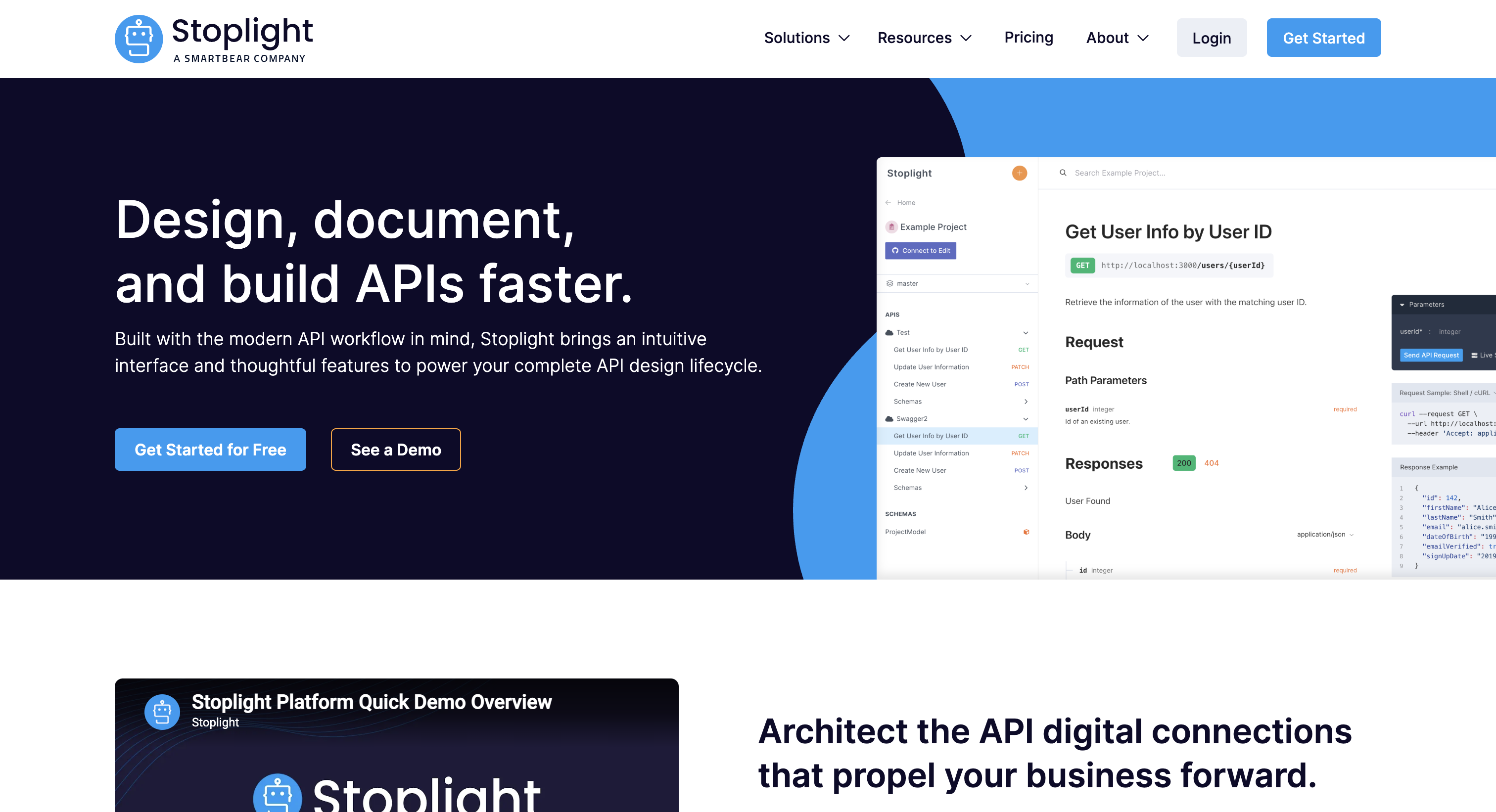
Stoplight which was acquired by SmartBear in 2022 is an API design and documentation platform built around OpenAPI. Its strengths are visual API design (Stoplight Studio), spec governance, style rules, and clean published docs. Teams use it to design, mock, and document APIs before they ship.
The platform fits organizations whose primary developer-portal need is documentation discipline and API design governance, not full subscription, monetization, or agent consumption workflows.
What Stoplight does well:
- Visual OpenAPI editor with strong design feedback
- Style governance and linting at the spec level
- Mock servers generated directly from OpenAPI specs
- Clean, customizable hosted docs
- Git-based workflow integration
- Solid choice for teams that want API design rigor before APIs ship
Limitations:
- Documentation-first, not built for the full developer-portal lifecycle
- No native self-serve subscription management or plan tiers
- No API key lifecycle (rotation, expiry, audit trails)
- No built-in monetization, billing, or pay-per-use infrastructure
- Try-it-now console limited compared to full interactive sandboxes
- Multi-audience visibility, AI agent, and MCP readiness not native
Who it's for: API design teams, technical writers, and product teams that want strong spec discipline and clean published docs, with simpler external-program needs (no monetization, no agent traffic, no multi-tenant white-label).
Gateway Native API Developer Portal
7. Kong (Kong Konnect)

Kong is a high-performance API gateway with a bundled developer portal (Kong Konnect Dev Portal). The gateway is the platform's strength: cloud-native, scalable, Kubernetes-friendly, with a strong plugin ecosystem. The portal sits on top of that gateway to expose Kong-managed APIs to developers.
The portal's tight coupling to the Kong gateway is both its advantage and its constraint. Kong-only environments get tight integration. Multi-gateway estates, or teams that want a portal layer independent of their gateway, hit limits quickly.
What Kong does well:
- High-performance API gateway runtime, particularly for Kubernetes-native deployments
- Strong plugin ecosystem and extensibility
- Bundled developer portal for Kong-managed APIs
- Good developer onboarding within the Kong ecosystem
- Open-source roots with a commercial Konnect tier
Limitations:
- Developer portal is built for Kong APIs first, with limited support for APIs running on other gateways
- Multi-gateway aggregation (Apigee, MuleSoft, AWS, Azure APIM) requires custom development
- AI agent and MCP readiness not native to the portal
- Subscription, monetization, and white-label branding less developed than dev-portal-first products
- Internal vs external audience separation not first-class
Who it's for: Teams running APIs primarily on Kong who want a tightly integrated portal layer without bringing in a separate developer-portal vendor, with limited need for multi-gateway aggregation or advanced monetization.
8. Azure API Management

Azure API Management provides API gateway, developer portal, and lifecycle management capabilities tightly integrated into the Azure ecosystem. Its hybrid deployment capabilities via Azure let teams manage gateways across on-premise, multi-cloud, and edge environments from a single Azure control plane.
What Azure does well:
- Native integration with Microsoft Entra ID (Azure Active Directory) for enterprise authentication
- Strong hybrid and multi-environment deployment support
- Built-in API monitoring and observability through Azure Monitor
Limitations:
- Developer portal experience is less mature compared to specialized API platforms
- New instance provisioning can take 30+ minutes, slowing development and branch environment setup
- Configuration and policy changes may have delayed propagation times
- External partner management capabilities are less advanced than Apigee
Who it's for: Organizations heavily invested in the Microsoft Azure stack and .NET ecosystem that need a developer portal integrated with Azure AD and Azure-native monitoring.
9. Apigee (Google Cloud)
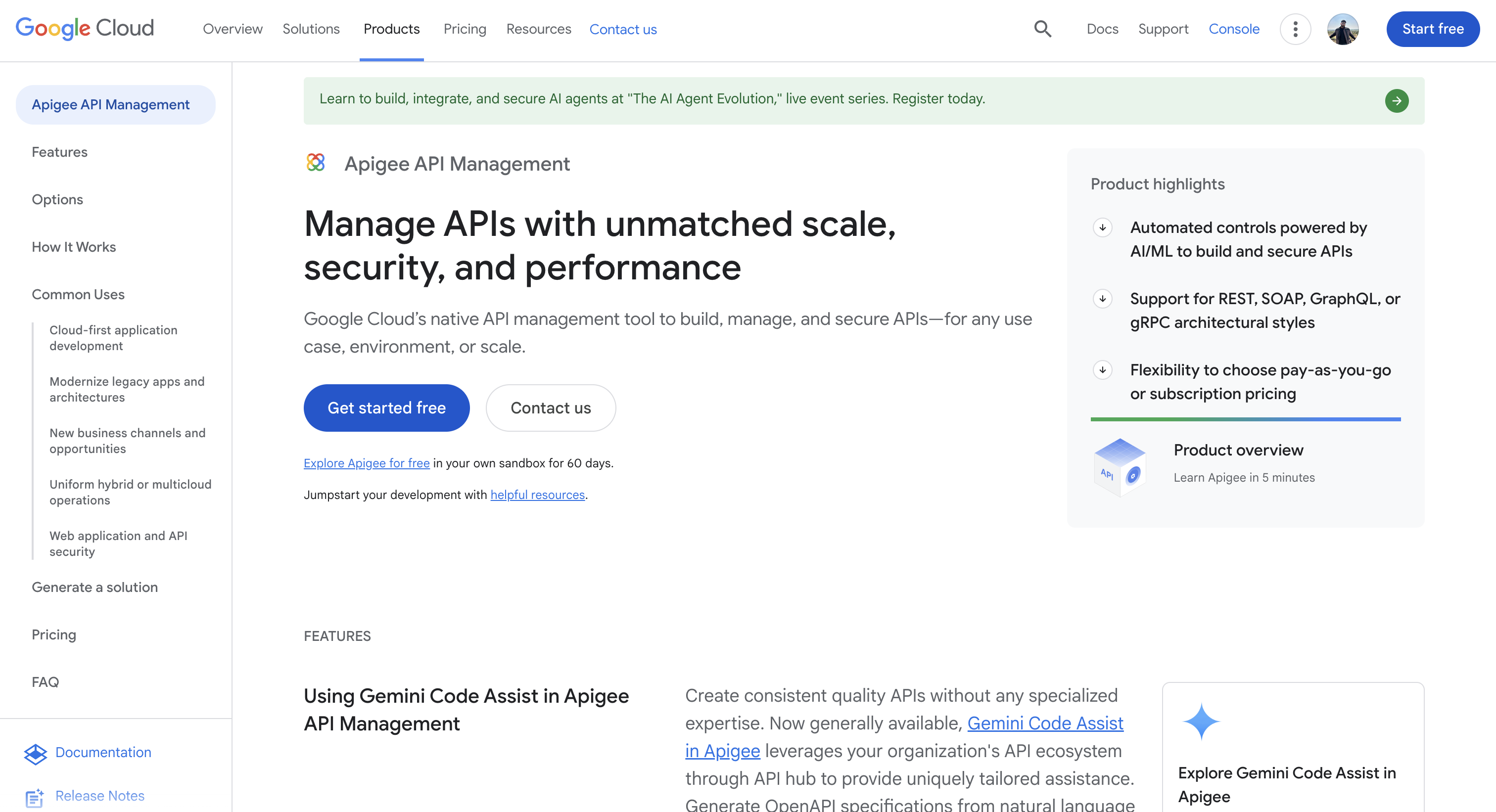
Apigee is a mature, full-lifecycle API management platform built into Google Cloud. Its strengths are advanced analytics, robust external partner management, and a sophisticated developer portal designed for exposing APIs to third-party developers and monetizing access.
The platform is well-suited for organizations where the core challenge is packaging and exposing already-built microservices, not connecting legacy systems or managing a fragmented multi-gateway estate.
What Apigee does well:
- Deep and granular API traffic analytics
- Strong API security and threat protection capabilities
- Advanced bot detection and abuse prevention
- Customizable external developer portal experience
Limitations:
- Portal and governance capabilities are tightly coupled to the Apigee ecosystem
- APIs managed in Kong, MuleSoft, AWS, or other gateways require separate portal implementations
- Limited cross-gateway visibility for multi-platform API environments
- Analytics only cover APIs deployed and managed within Apigee
- No unified analytics layer across the broader API estate
Who it's for: Organizations heavily invested in Google Cloud that primarily need to govern and expose APIs already running on Apigee, with strong external partner management requirements.
10. MuleSoft (Anypoint Exchange)
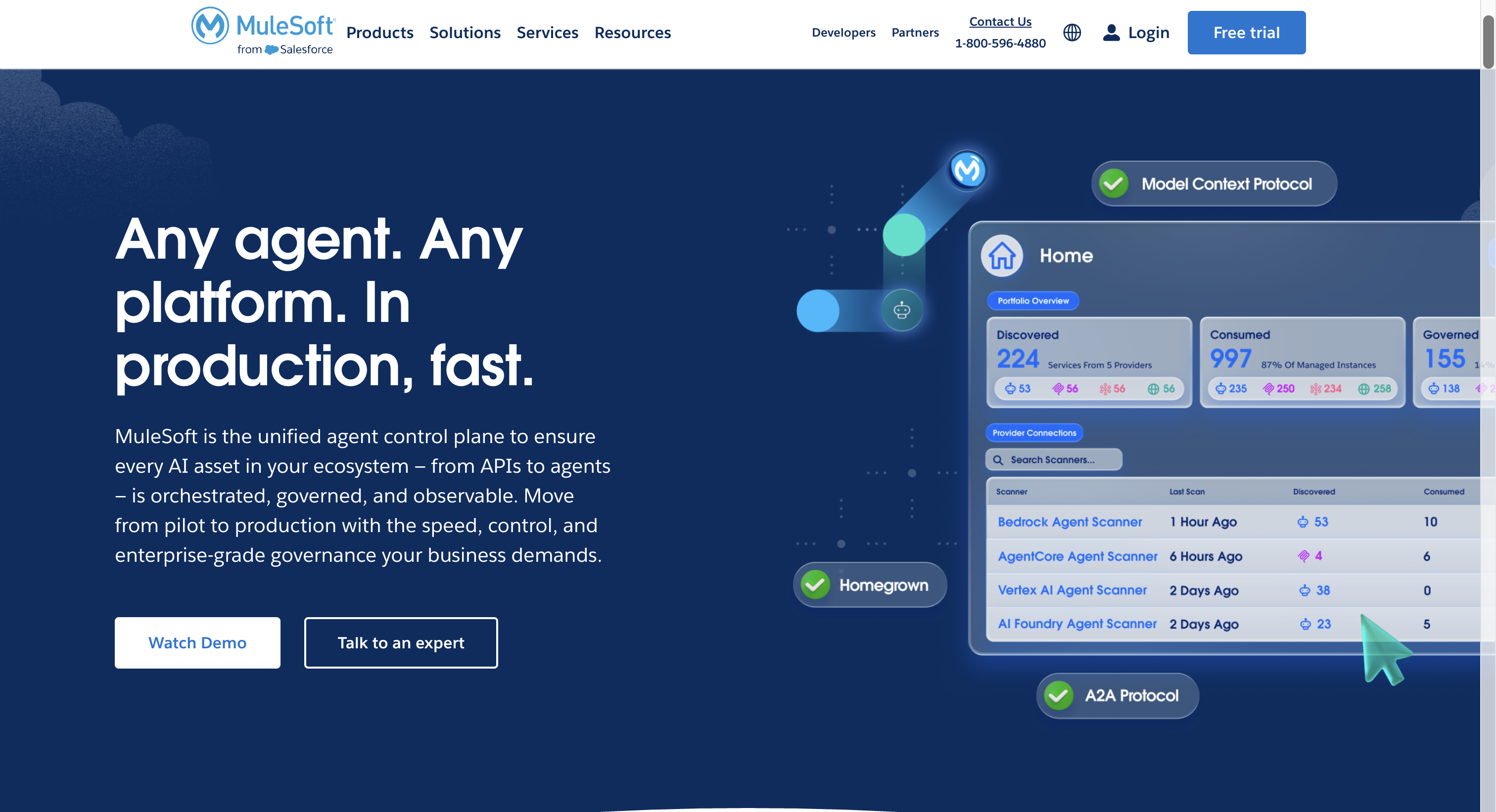
MuleSoft (Salesforce) is an enterprise API management platform with a strong heritage in integration. Anypoint Exchange is the developer portal piece, where APIs, connectors, and integration assets are cataloged for internal developers and external partners.
The platform fits organizations whose API program is closely tied to integration patterns (API-led connectivity, deep ties to Salesforce, SAP, and other enterprise systems). The developer portal is one piece of a broader integration-heavy stack, not a portal-first product.
What MuleSoft does well:
- Mature, full-lifecycle API management with deep integration heritage
- Strong Salesforce integration and shared identity with Salesforce CRM
- Catalog of reusable connectors and integration templates
- Solid enterprise governance, RBAC, and audit capabilities
- Long-standing enterprise customer base
Limitations:
- Anypoint Exchange is built around MuleSoft's integration runtime, not as a stand-alone portal layer
- Branding and white-label depth lag pure dev-portal-first products
- Subscription, monetization, and pay-per-use features less mature than the dev-portal cluster
- AI agent and MCP readiness not native
- Self-serve onboarding flows for external partners are more setup-heavy than modern portals
- Licensing and operational costs at scale tend to be high
Who it's for: Enterprises with significant integration estates (Salesforce, SAP, legacy systems) where API management is closely tied to integration patterns, and the developer portal is one piece of a broader integration program rather than a standalone product.
11. Gravitee

Gravitee is an API management platform that combines an API gateway with a developer portal in a single control plane. The platform emphasizes API security, compliance, and the operational lifecycle, positioning itself as a unified alternative to running gateway and portal as separate products.
That dual-purpose nature is its differentiator and its constraint. Teams that want gateway runtime control AND portal management from one vendor benefit. Teams that already have a gateway in place find significant overlap with Gravitee's gateway layer.
What Gravitee does well:
- Combined API gateway and developer portal under one control plane
- Strong API security, compliance, and policy enforcement
- Native subscription management and plan-based access
- Open-source core with a commercial enterprise tier
- Active community and ecosystem support
Limitations:
- Tightly coupled to Gravitee's own gateway runtime, harder to layer above Apigee, Kong, AWS, or Azure APIM
- Developer portal capabilities lag pure portal-first products on UX, branding depth, and agent readiness
- AI agent and MCP support not native
- Customization for partner-facing portals requires significant configuration effort
- Multi-tenant white-labeling not first-class
Who it's for: Organizations that want a single vendor for both API gateway and developer portal, with appetite for the operational overhead of running a coupled stack, and limited near-term need for advanced agent or MCP workflows.
Custom built or DIY API Developer Portal
12. Backstage (Spotify)

Backstage is an open-source framework, not a turnkey product. Spotify built it to solve internal developer experience fragmentation at scale, then open-sourced it so other organizations could build their own portals on top of the framework.
That distinction matters. Backstage gives you the building blocks. You are responsible for assembling, deploying, maintaining, and upgrading everything.
What Backstage does well:
- Highly extensible plugin-based architecture
- Strong open-source community and ecosystem support
- Free to use with no licensing costs
- Full customization and development control
Limitations:
- Built primarily for internal service catalogs, not multi-gateway API ecosystems
- Limited support for API estates distributed across Apigee, Kong, MuleSoft, and AWS
- Multi-gateway visibility depends on custom plugins and continuous maintenance
- No built-in RBAC for governance and access control
Who it's for: Platform engineering teams with strong internal resources, a preference for open-source infrastructure, and APIs primarily running as internal microservices rather than across external gateways.
DigitalAPI's own analysis found that Backstage takes months to set up while DigitalAPI goes live in days, and Backstage lacks the governance, analytics, and monetization capabilities that enterprise API programs need without significant custom development.
How to choose the right API developer portal
The most important question before choosing a portal is not "which platform has the most features" - it is "what do my API consumers actually need to do?" Your answer determines whether you need a documentation tool, a full self-serve portal, or a platform engineering solution.
[fs-toc-omit]1. Choose a documentation tool (Redocly, Mintlify, SwaggerHub) if:
- Your developers - internal or external - only need to read API reference documentation
- You have an existing key management process and do not need to automate it
- Access is managed manually by your team and that will not become a bottleneck as you scale
- Budget is the primary constraint and a static docs site is sufficient
- You do not need developers to self-register, provision keys, or manage subscriptions without your team's involvement
[fs-toc-omit]2. Choose a self-serve API developer portal if:
- Your external customers, partners, or third-party developers need to go from discovery to a live API key without your team's involvement
- You want a branded portal experience that looks like your product, not a documentation tool
- Your API programme needs to scale without scaling your support or onboarding team
- You want to expose your APIs to external consumers and monetise them
[fs-toc-omit]3. Choose a platform engineering tool (Backstage) if:
- Your primary audience is internal developers and you need a service catalogue
- You have 3–6 months of bandwidth and a dedicated team to build and maintain it
- Your use case is internal discoverability, not external developer adoption
Note: If you have recently migrated to a gateway like Apigee or Azure and are still evaluating your portal options, a gateway-native portal can cover basic requirements while you assess - but it will only surface the APIs on that one gateway, not your full API estate.
The best developer portals for external developers: what to look for
If your API consumers are outside your organisation - customers, partners, or third-party developers - your portal requirements are fundamentally different from an internal developer tooling need.
External developers need to:
Discover your APIs without asking anyone for access Generate credentials and go live without filing a ticket Test endpoints in a sandbox before they commit to integration Get support through documentation, not through your engineering team
A documentation tool can cover the first point. Only a full self-serve portal covers all four. This is the distinction that separates DigitalAPI, Apigee, and Azure APIM from documentation-first tools like Redocly and SwaggerHub.
The bottom line
The best API developer portal is not the one with the longest feature list - it is the one that lets your developers go from discovery to live integration without any friction or manual intervention.
If your API program is growing and your developers are still filing tickets to get credentials, or reading documentation on a static page and then emailing someone for access - that is not a portal. That is a bottleneck.
The platforms that consistently drive the highest developer adoption are the ones that treat the portal as a place where developers transact with your APIs, not just read about them. Documentation is the start. Self-serve access, sandbox testing, and live key management are what turn a documentation site into a developer portal.
DigitalAPI is built specifically for API-first and cloud-native companies that need that full self-serve experience. If that describes your program, it is the right place to start.
Ready to move beyond documentation?
DigitalAPI gives your developers a self-serve portal where they can browse your API catalog, generate credentials, test endpoints, and go live - without contacting your team. [Book a demo]
Frequently Asked Questions
[fs-toc-omit]1. What is an API developer portal?
An API developer portal is a centralized, self-service platform where developers discover APIs, access documentation, test endpoints in a sandbox, obtain credentials, and manage their subscriptions. It serves as the primary interface between an organization's API program and the internal teams, external partners, or public developers who consume those APIs.
[fs-toc-omit]2. What is the best API developer portal for large enterprises?
For large enterprises managing APIs across multiple gateways and cloud environments, DigitalAPI is the strongest option in 2026. It natively unifies APIs from Apigee, MuleSoft, Kong, AWS, Azure, and IBM into a single catalog with built-in governance, AI-powered discovery, white-labelled branding, and one-click MCP conversion for AI readiness.
[fs-toc-omit]3. What is the difference between an API developer portal and an API gateway?
An API gateway handles the runtime layer: routing requests, enforcing security policies, managing rate limits, and proxying traffic between clients and backend services. A developer portal handles the experience layer: documentation, discovery, onboarding, credential management, and subscription workflows. Most enterprise API programs need both.
[fs-toc-omit]4. How long does it take to set up an API developer portal?
Timeline varies significantly by platform. Backstage typically requires months of setup and ongoing engineering. Legacy enterprise platforms like Apigee and MuleSoft can take 12 or more months to fully deploy. DigitalAPI goes live in up to 3 days, connecting existing gateways without replacing infrastructure, with AI-generated documentation and self-serve onboarding configured out of the box.
[fs-toc-omit]5. What is MCP readiness and why does it matter for developer portals?
MCP is an open standard that lets AI agents connect to APIs and tools through a uniform interface, so they can be discovered and invoked by agents without bespoke integrations. MCP readiness means your portal's API metadata is clean, machine-readable, and structured in a way that AI agents can interpret correctly. DigitalAPI converts any cataloged API into an MCP server in one click, making it immediately available for agentic AI workflows, which is the direction enterprise API consumption is heading in 2026 and beyond.
[fs-toc-omit]6. What are the best developer portals for external developers?
The best developer portals for external developers combine self-serve access, interactive documentation, and sandbox testing in one place - so external developers can go from discovery to live integration without contacting your team. DigitalAPI is built specifically for this use case. Redocly and SwaggerHub cover documentation only - external developers still need to request credentials manually. Apigee and Azure APIM support external-facing portals but require significant configuration.
Dhayalan Subramanian is Associate Director, Product Growth at DigitalAPI, where he leads go-to-market and product growth for the company’s multi-gateway API management platform. His work focuses on helping large enterprises and mid-market cloud companies consolidate APIs across AWS, Azure, Apigee, Kong, MuleSoft, and other gateways into a single control plane for governance, discovery, monetization, and agent consumption.
Dhayalan brings 14+ years of experience across product strategy, enterprise architecture, and engineering leadership. Earlier in his career, he held senior roles at Encora (as Associate Architect and Technical Manager), Mindtree (Technology Lead), Tech Mahindra (Technical Lead), and Primus Analytics, where he designed integration frameworks and delivered enterprise-grade digital platforms for global customers.
At DigitalAPI, he works directly with platform, integration, and developer experience leaders at Fortune 500 organizations to operationalize unified API catalogs, developer portals, and MCP-ready APIs. He writes regularly on API developer experience, API governance, and AI agent architectures.

One email a fortnight. Worth opening.
A short digest of what we're writing, what we're learning from customers, and the handful of links you'd actually want from us. No tracking pixels.

.avif)
