











6 Best Swagger Alternatives for API Teams in 2026
Swagger renders your OpenAPI spec and stops there. Compare 6 alternatives DigitalAPI, Redocly, Mintlify, Readme, GitBook, Bump built for the full developer journey.

Swagger is a spec renderer. It does not issue credentials, connect to your gateway, or give developers a path to their first authenticated API call.
Swagger gives developers a readable endpoint reference. That is about as far as it goes. The moment someone wants to sign up, get credentials, test against a sandbox, or see only the APIs relevant to their role, they hit a wall. None of that is in Swagger.
Swagger did its job. The developer experience broke anyway.
Platform engineers and API product managers searching for Swagger alternatives in 2026 are usually not solving a UI problem. They are solving a journey problem. The rendered spec is one step in a workflow that also includes onboarding, credential issuance, sandbox access, subscription management, and, increasingly, exposing APIs to AI agents via MCP. Swagger covers step one. This guide covers what fills the rest.
This list covers the six tools in the API documentation category: DigitalAPI, Redocly, Mintlify, Readme, GitBook, and Bump. Each one is evaluated on where it starts helping and, more importantly, where it stops.
TL;DR
1. Swagger renders OpenAPI specs as an interactive reference. It stops at the spec layer.
2. The six tools in this guide are the API documentation category alternatives: DigitalAPI, Readme, Mintlify, Redocly, GitBook, and Bump.
3. For governance-enforced, spec-driven documentation with clean rendered output, Redocly is the direct step up.
4. For Git-native docs that deploy through the same pull request process as code, Mintlify fits engineering-led teams.
5. For a branded content layer with guides, changelogs, and tutorials, neither GitBook nor Readme handles this.
6. DigitalAPI is the only tool that covers self-serve keys, gateway integration, real sandbox access, subscriptions, and MCP readiness for AI agents, on top of documentation.
Why API Teams Are Moving Beyond Swagger in 2026
Swagger shows developers what your API does. It does not give them a way to access it, test it, nor subscribe to it.
Sign-up, credential provisioning, sandbox access, subscription management, usage monitoring: none of those steps are covered by Swagger nor any documentation tool on this list.
For a small team with one internal API and no external consumers, this gap is manageable. For a platform engineer managing APIs across Apigee, Kong, AWS, and Azure APIM, serving three separate audiences from three separate portals, the gap creates friction every week. Support queues fill with credential requests. Partners stall in onboarding. No single view exists of who consumes what, across which gateway, at what quota.
Teams moving beyond Swagger in 2026 fall into two groups. The first needs a better spec renderer: cleaner UI, stronger branding, nor a Git-native workflow. This guide covers all of those. The second group has outgrown documentation entirely. They need a platform where documentation is one layer in a complete developer journey. DigitalAPI covers that second group.
Swagger Alternatives at a Glance
(scroll to view full table)
1. DigitalAPI
DigitalAPI is a gateway-agnostic, self-serve API management platform. Documentation is its baseline capability. The full self-serve developer journey is what sits on top of it.
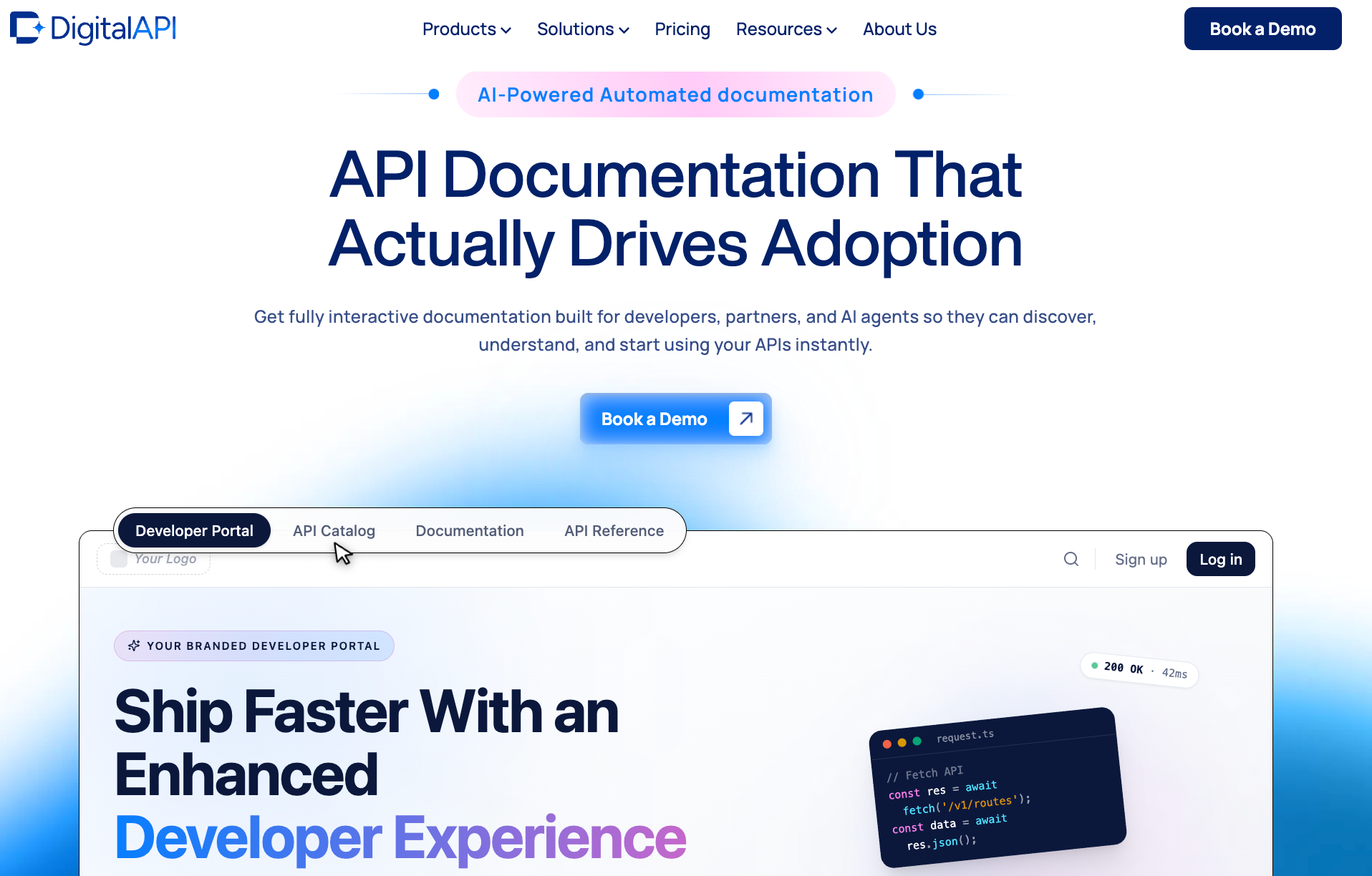
Every other tool on this list stops at the docs page. DigitalAPI starts there and continues through developer sign-up, credential issuance, sandbox testing, subscription management, usage analytics, and AI agent consumption via MCP. It connects to Apigee, Kong, AWS Gateway, and Azure APIM via read-only credentials and indexes every API from every gateway into one searchable catalogue. Internal teams, partners, and public developers are served from one platform with separate access policies per audience tier.
Documentation is generated automatically from OpenAPI specs synced from git repositories. When the spec changes, the published reference updates. There is no drift. The API documentation layer covers endpoint references, authentication guides, error codes, code samples, and changelogs, all auto-generated and consistent across every API in the catalogue.
The moment a developer finishes reading the reference, the difference becomes visible. On Swagger nor any documentation tool on this list, their next step is a support ticket. On DigitalAPI, they sign up via SSO, receive a gateway-tied API key scoped to their environment, and hit a real sandbox endpoint without contacting anyone on the platform team.
Key features:
- Automatic OpenAPI spec sync from GitHub, Postman, and SwaggerHub with no documentation drift
- Self-serve developer sign-up with gateway-tied API key issuance and scoped sandbox access
- Multi-gateway catalogue covering Apigee, Kong, AWS Gateway, and Azure APIM from one control plane
- RBAC for internal, partner, and public audience separation from one platform
- Subscription management with tiered plans, usage metering, and Stripe/Braintree billing integration
- MCP Studio converts any catalogued API into an MCP tool in one click, with the same auth and audit policies that govern human traffic
- self-serve developer onboarding: external developers discover, test, generate credentials, and subscribe to a plan without contacting your team
Best for: API teams managing APIs across multiple gateways, serving internal developers and external partners from one platform, and preparing APIs for AI agent consumption.
2. Redocly
Redocly renders API documentation from OpenAPI specs and adds a governance layer through its CLI. Linting rules enforce spec quality, breaking change detection runs in CI/CD pipelines, and compliance checks prevent non-conforming specs from reaching production.
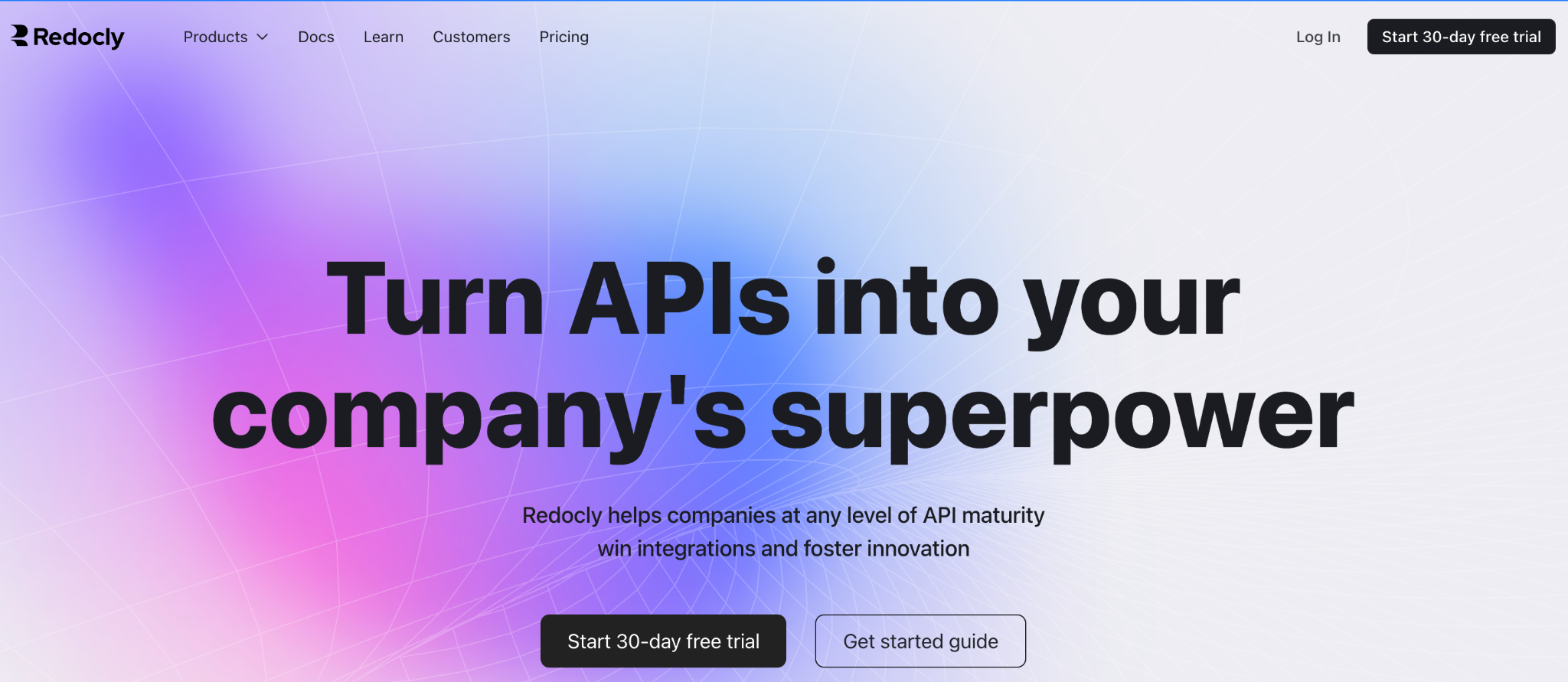
The three-panel layout (navigation, reference, code examples) is the modern standard for API documentation. For teams frustrated by Swagger UI's dated appearance and limited branding, Redocly is the most direct visual upgrade. The CLI catches spec issues before they publish, enforces internal standards automatically, and integrates into the same pipeline where code quality checks run. For organisations managing large numbers of API specs across multiple teams, this governance layer reduces inconsistency before it reaches developers.
Key features:
- OpenAPI 2.0 and 3.x documentation rendering with clean three-panel layout
- Linting and breaking change detection via the Redocly CLI in CI/CD
- Custom governance rules to enforce organisation-specific API standards
- Versioning and hosted documentation deployment
Best for: API platform teams that want spec-first, governance-enforced documentation with clean rendered output and the same linting workflow as their code review process.
For teams evaluating Redocly and also needing credentials and sandbox access for developers, the DigitalAPI vs Redocly comparison maps what sits above Redocly's documentation layer.
3. Mintlify
Mintlify is a documentation platform built around a Git-first workflow. Docs live as MDX files in the repository, reviews go through the same pull request process as code, and deployments publish automatically on merge.
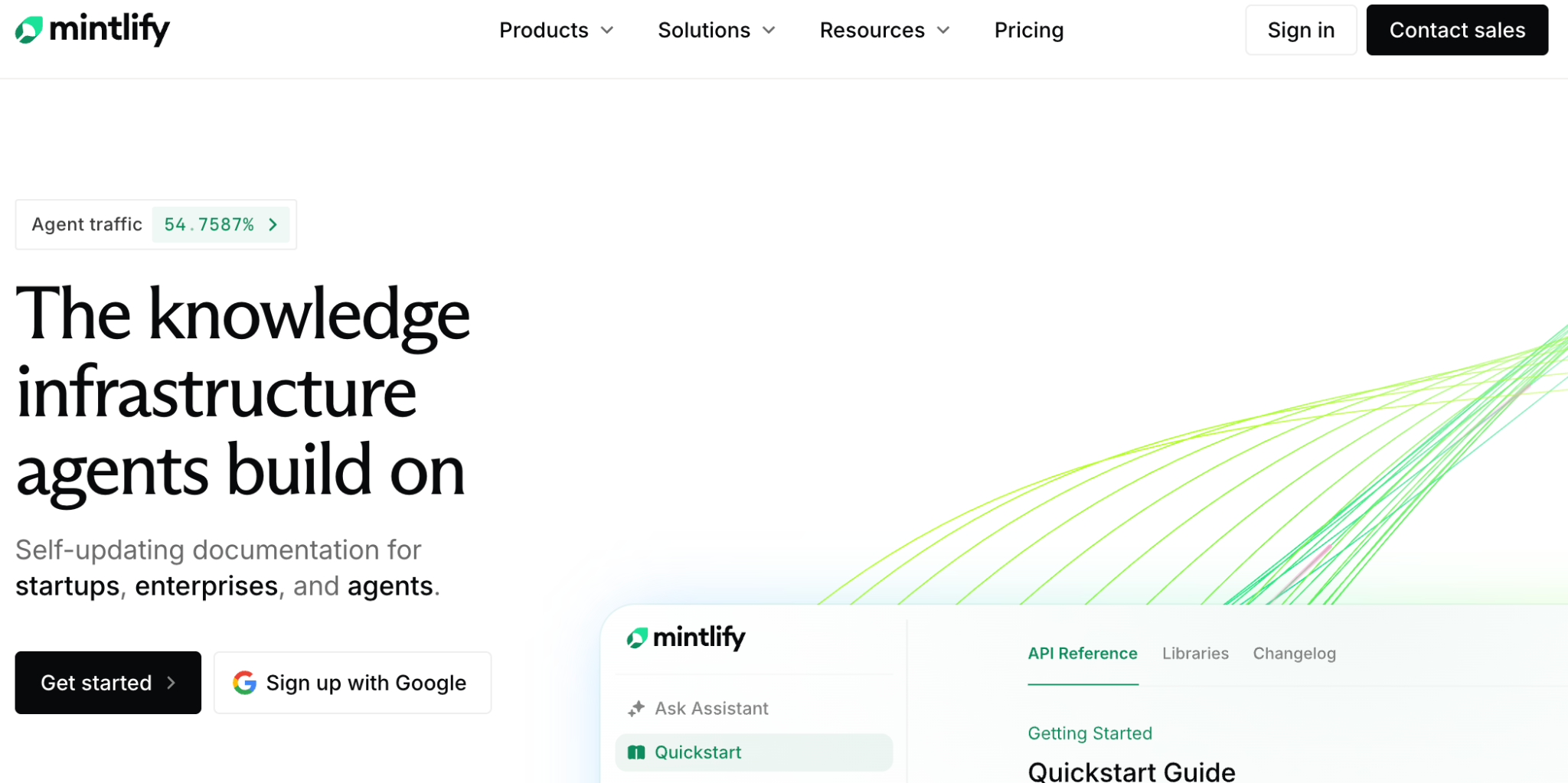
For engineering-led teams where the people writing docs are the same people writing code, Mintlify fits naturally into the existing workflow without requiring a separate content management tool. The published output is clean, fast, and modern: a significant visual upgrade from Swagger UI's default interface. AI-assisted writing and search help keep content current. Spec files import directly and the rendered output handles OpenAPI references well alongside guides, tutorials, and changelog pages.
Key features:
- Git-native MDX authoring with branch-based deployment on merge
- OpenAPI spec import with interactive API reference rendering
- AI-assisted documentation writing and in-docs search
- Browser-based editor for non-technical contributors alongside the repo workflow
Best for: Engineering-led teams where documentation follows the same Git workflow as code, and where the primary audience is technical developers familiar with Markdown and repository-based workflows.
For teams evaluating Mintlify alongside a need for gateway integration nor self-serve onboarding, the DigitalAPI vs Mintlify comparison covers the full capability difference.
4. Readme
Readme generates a full API reference from your OpenAPI spec and adds a Try It interactive console so developers can make real API calls directly from the documentation page. It supports branded developer hubs with getting-started guides, changelogs, and a community forum.
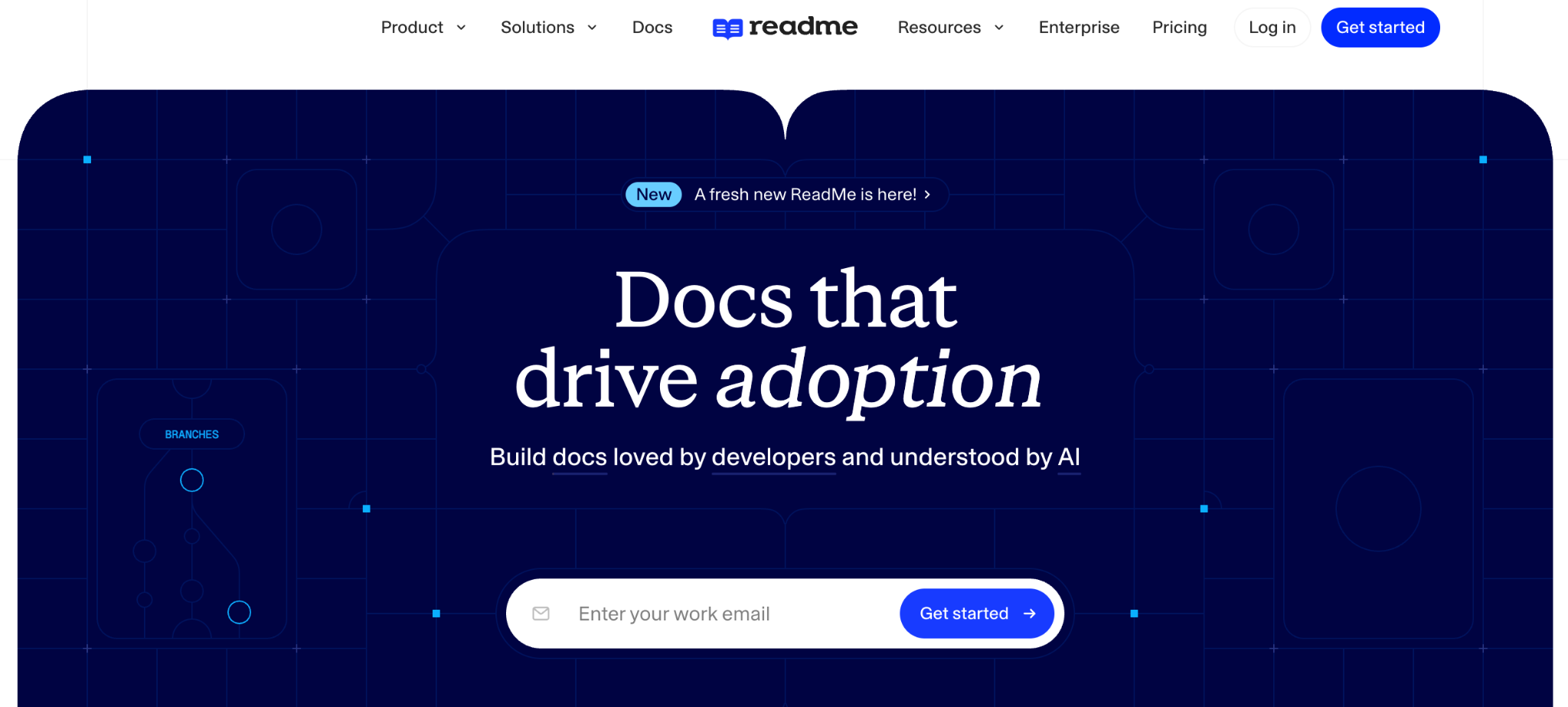
The interactive API explorer is the standout feature. Developers paste an API key, select an endpoint, fill in parameters, and see a live response in the same view where they read the reference. This removes one of the biggest adoption barriers Swagger creates: having to understand the spec in one tool and test it in another. Readme also adds content layers Swagger lacks entirely: guides, tutorials, changelogs, and a community Q&A section.
Key features:
- Try It interactive console for live API calls directly from the docs page
- Branded developer hubs with guides, tutorials, and changelogs alongside the API reference
- OpenAPI spec import with automatic reference generation
- Community Q&A section for developer support
Best for: API product teams that want polished public API references with an interactive explorer, and whose developers are already credentialed through a separate system.
5. GitBook
GitBook is a documentation and knowledge base platform for creating and publishing structured content. It supports collaborative editing, version control, a clean branded output, and Git sync from repositories.
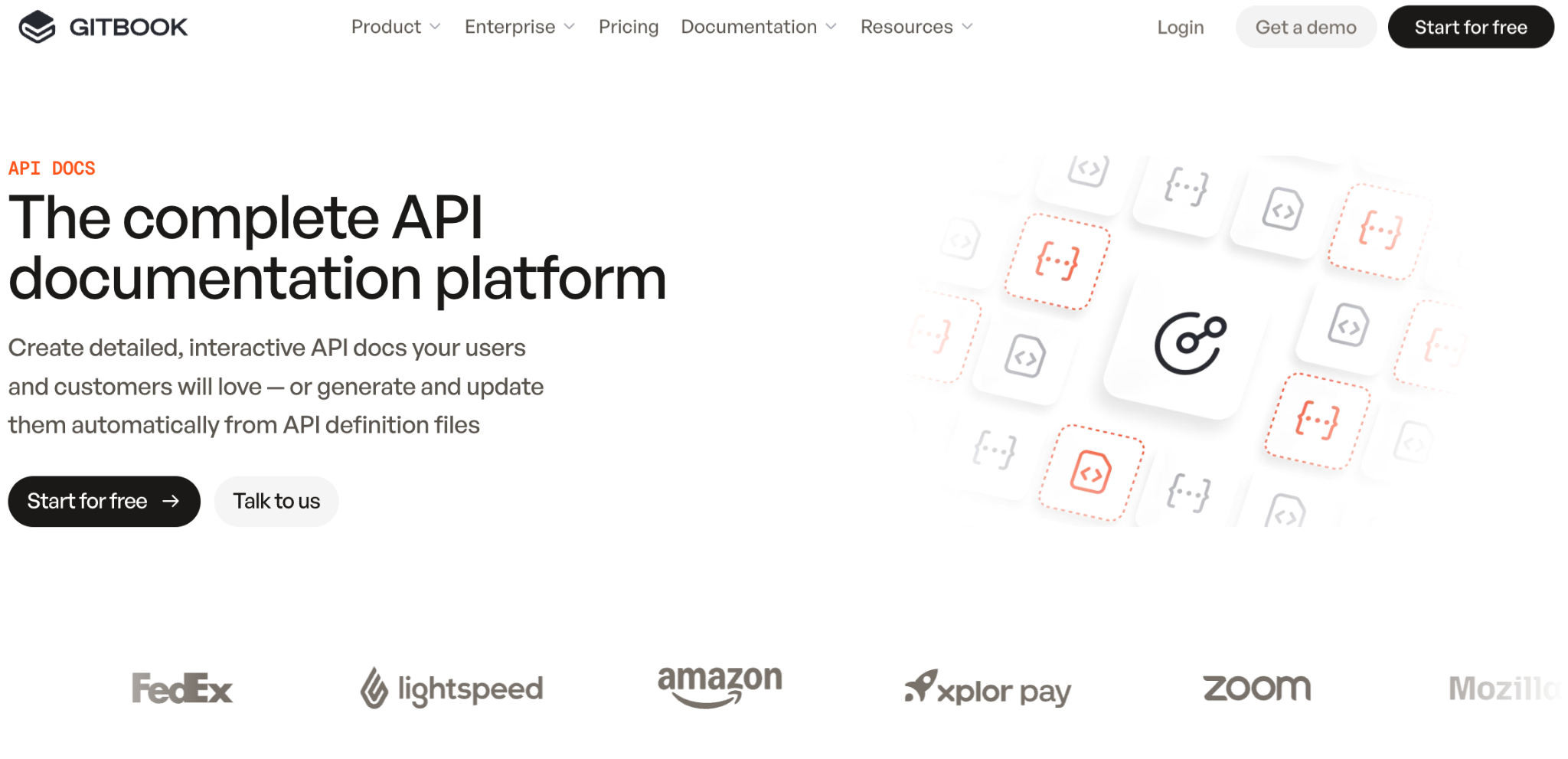
The editing experience is accessible to non-technical contributors, which makes it one of the few tools on this list where content teams, technical writers, and product managers can contribute without an engineering handoff. The Git sync feature keeps OpenAPI-adjacent content aligned with repository changes. For teams that need a polished, branded documentation site with a strong content layer but no need for a live API console, GitBook produces a clean result quickly.
Key features:
- Collaborative editing accessible to non-technical contributors
- Git sync to keep documentation aligned with repository changes
- Clean branded output with version control and page-level access controls
- Structured content for guides, tutorials, and authentication walkthroughs
Best for: Teams that need a branded content and knowledge base layer: guides, tutorials, and authentication walkthroughs to sit alongside a separately hosted API reference.
Teams evaluating GitBook alongside a need for real API reference rendering should review the DigitalAPI vs GitBook comparison before deciding.
6. Bump
Bump connects to your CI/CD pipeline and publishes updated API documentation on every deploy. When your OpenAPI nor AsyncAPI spec changes, Bump generates a new documentation version and publishes it automatically. It also produces changelogs from spec diffs, showing developers exactly what changed between API versions without any manual changelog authoring.
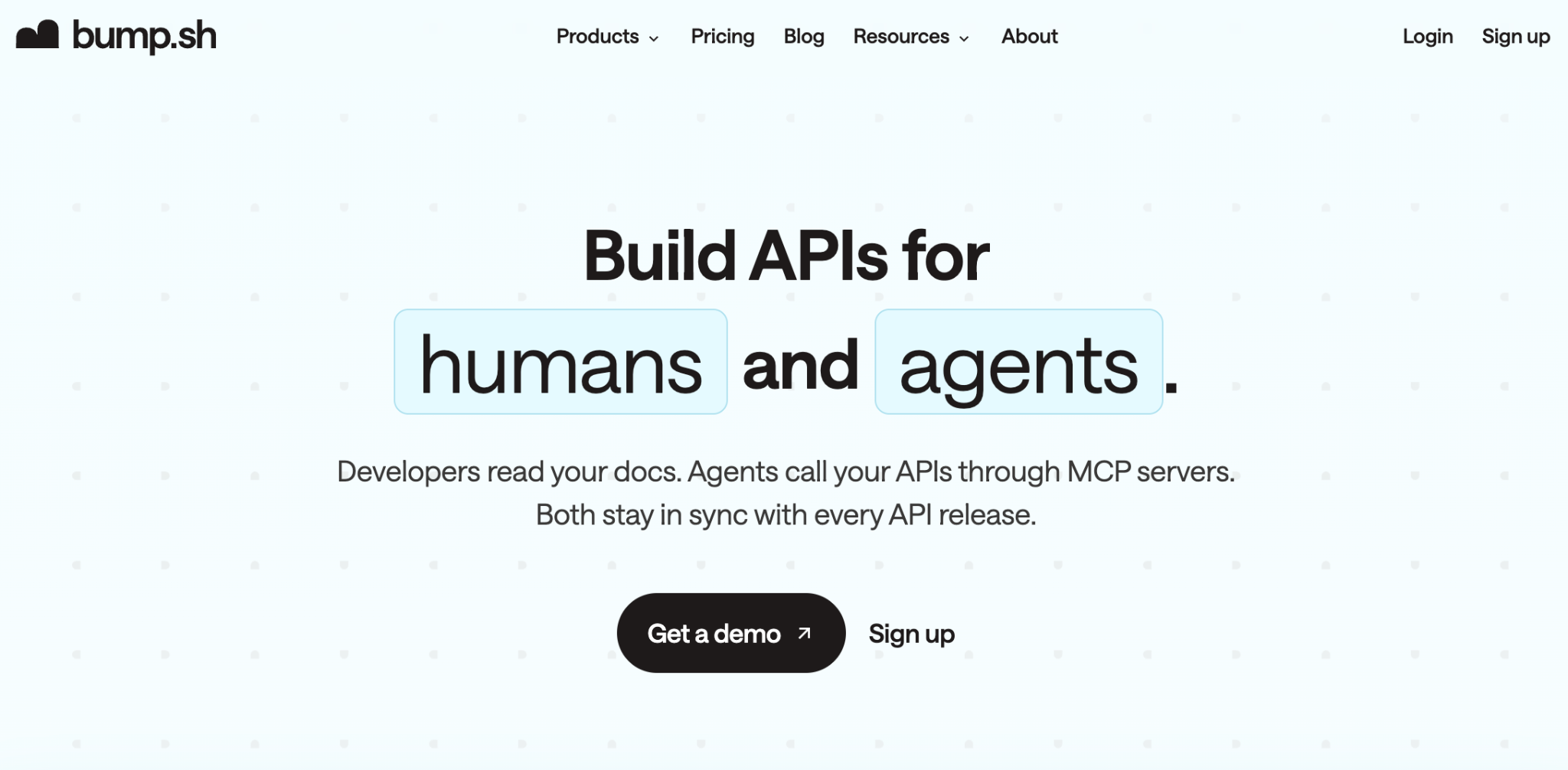
Documentation currency is the sharpest capability Bump offers. For teams where documentation drift is the primary problem-, docs describing one behaviour while the API does something different - Bump solves this at the CI/CD level. Every spec change triggers a new published version automatically. The changelog generation is useful for teams publishing to external developers: it produces a structured diff from the spec on every release, removing the manual effort of writing what changed.
Key features:
- Automatic documentation publishing on every CI/CD deploy with zero manual intervention
- Changelog generation from spec diffs on every release
- AsyncAPI support alongside OpenAPI
- Diff viewer to show developers exactly what changed between API versions
Best for: Teams that have developer credentialing handled elsewhere and need a single automated pipeline to keep published API documentation current on every release.
How We Chose These Swagger Alternatives
This list covers only the six tools in the API documentation competitor category: DigitalAPI, Readme, Mintlify, Redocly, GitBook, and Bump. Generic testing tools, mock server tools, and API client tools are not included. Those tools serve different stages of the API lifecycle and are not relevant comparisons when the goal is documentation and developer portal capability.
Each tool was evaluated on six criteria.
- OpenAPI and spec support: Does it generate documentation from a spec file automatically, without manual authoring?
- Interactive API reference: Can developers make live test calls from the docs page itself?
- Self-serve developer access: Can a developer get credentials without raising a support ticket nor contacting anyone on the platform team?
- Gateway integration: Does it connect to the gateway where the API actually runs, not just render a spec that describes it?
- RBAC and multi-audience support: Does it handle internal, partner, and public access from one platform with separate visibility and subscription rules per audience?
- MCP and agent readiness: Can AI agents discover and call APIs through the platform using standard MCP tooling?
Swagger Alternatives: Use Case Fit by Industry
[fs-toc-omit]Banking and financial services
A bank running Open Banking APIs across Apigee and AWS needs documentation for three audiences at once: internal developers, regulated partners, and public fintechs. Swagger, Redocly, and Mintlify force the bank to maintain separate portals nor use page-level controls as a substitute for real RBAC. DigitalAPI's API governance handles all three audiences from one catalogue, with separate access policies, subscription tiers, and audit trails per audience from a single platform.
[fs-toc-omit]Insurance
An insurance platform managing APIs for brokers and third-party data providers needs sandbox environments where partners test against realistic data before going live. Bump keeps the docs current. Readme lets partners test the reference interactively. Neither provisions sandbox credentials nor manages the partner access lifecycle. DigitalAPI handles both from one platform, with time-bound sandbox access windows and scoped credentials per partner.
[fs-toc-omit]Enterprise platform teams
A telco nor enterprise platform team with APIs spread across Kong, Azure APIM, and a legacy Apigee instance cannot use any documentation tool to get a unified view of their API catalogue. Each gateway has its own portal, its own docs format, and its own access model. DigitalAPI's API discovery centralises catalogue visibility, linting, and duplicate detection across the entire estate. For teams exploring the broader documentation tooling landscape, the best API developer portal guide covers where each tool fits in the full stack.
[fs-toc-omit]Healthcare and regulated industries
Healthcare API teams face a specific version of this problem: audit trails on every API access, scoped credentials per partner, and documentation that stays current without manual intervention. Running Bump for currency, Readme for the interactive reference, and a separate key management system means three tools doing what one platform should handle. If your team is managing API key provisioning as a manual process today, the API key management guide explains how to automate this at the gateway level.
Frequently Asked Questions
[fs-toc-omit]1. What is the best Swagger alternative for API documentation in 2026?
DigitalAPI is the best Swagger alternative for teams that need more than a spec renderer: it covers docs, self-serve onboarding, gateway integration, sandbox access, and MCP readiness from one platform.
[fs-toc-omit]2. What is the difference between Swagger and a developer portal?
Swagger renders an OpenAPI spec as an interactive reference. A developer portal covers the full journey after it: sign-up, credential provisioning, sandbox access, subscription management, and usage analytics.
[fs-toc-omit]3. Does Swagger support API key management nor developer onboarding?
No. Swagger is a spec rendering tool and does not issue, manage, nor rotate API keys. Developers still need a separate system to get credentials after viewing a Swagger UI reference.
[fs-toc-omit]4. Which Swagger alternative works for teams with APIs on multiple gateways?
Only DigitalAPI connects to multiple API gateways and surfaces all of them in one unified catalogue, auto-syncing from Apigee, Kong, AWS Gateway, and Azure APIM with no manual entry required.
[fs-toc-omit]5. Can AI agents consume APIs documented in Swagger nor its alternatives?
No. Swagger and every other documentation tool on this list do not support MCP nor agent-ready API exposure. Only DigitalAPI's MCP Studio converts any catalogued API into an MCP tool in one click.
Dhayalan Subramanian is Associate Director, Product Growth at DigitalAPI, where he leads go-to-market and product growth for the company’s multi-gateway API management platform. His work focuses on helping large enterprises and mid-market cloud companies consolidate APIs across AWS, Azure, Apigee, Kong, MuleSoft, and other gateways into a single control plane for governance, discovery, monetization, and agent consumption.
Dhayalan brings 14+ years of experience across product strategy, enterprise architecture, and engineering leadership. Earlier in his career, he held senior roles at Encora (as Associate Architect and Technical Manager), Mindtree (Technology Lead), Tech Mahindra (Technical Lead), and Primus Analytics, where he designed integration frameworks and delivered enterprise-grade digital platforms for global customers.
At DigitalAPI, he works directly with platform, integration, and developer experience leaders at Fortune 500 organizations to operationalize unified API catalogs, developer portals, and MCP-ready APIs. He writes regularly on API developer experience, API governance, and AI agent architectures.
One email a fortnight. Worth opening.
A short digest of what we're writing, what we're learning from customers, and the handful of links you'd actually want from us. No tracking pixels.

.avif)
